About Plan & Section
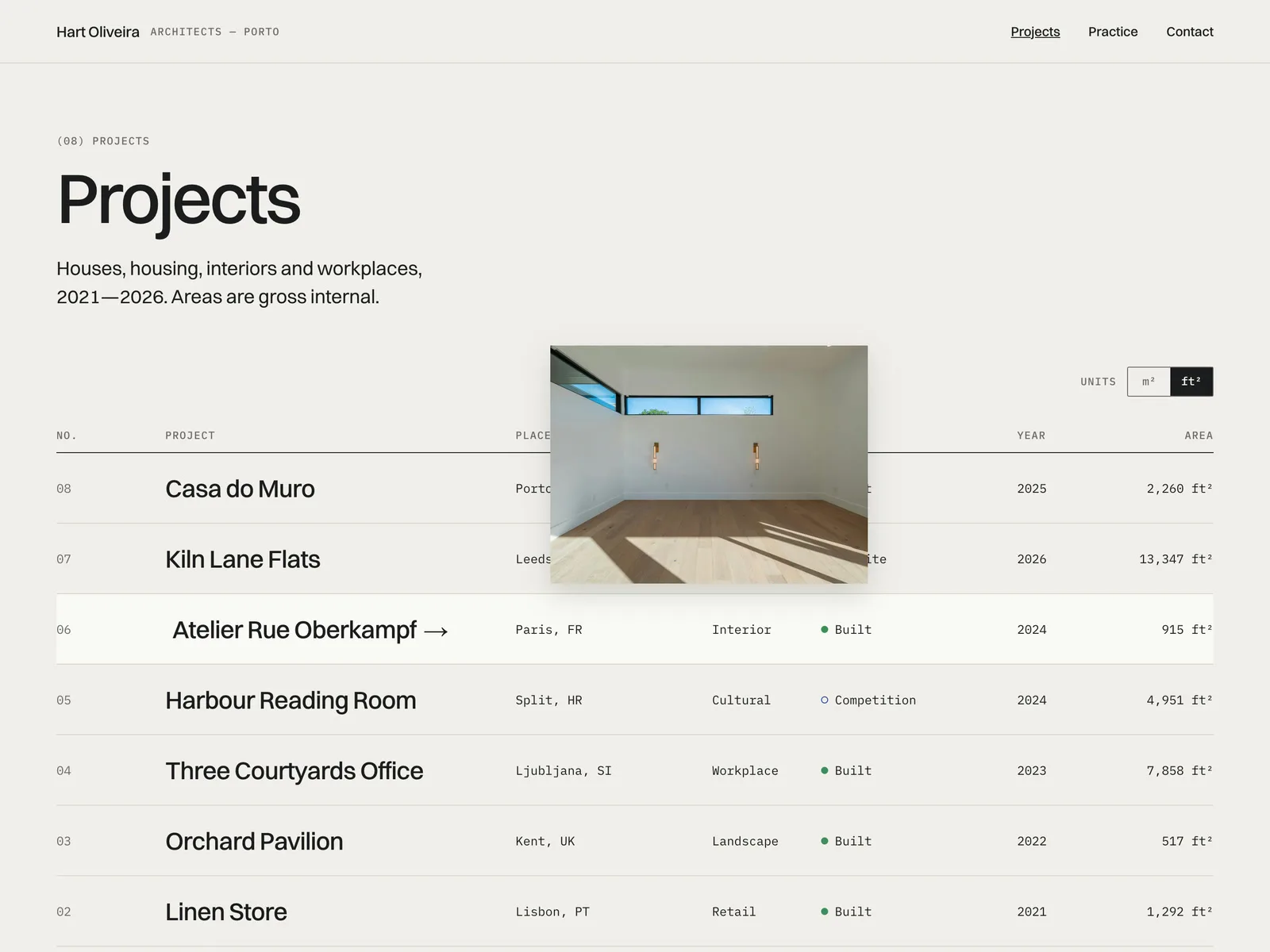
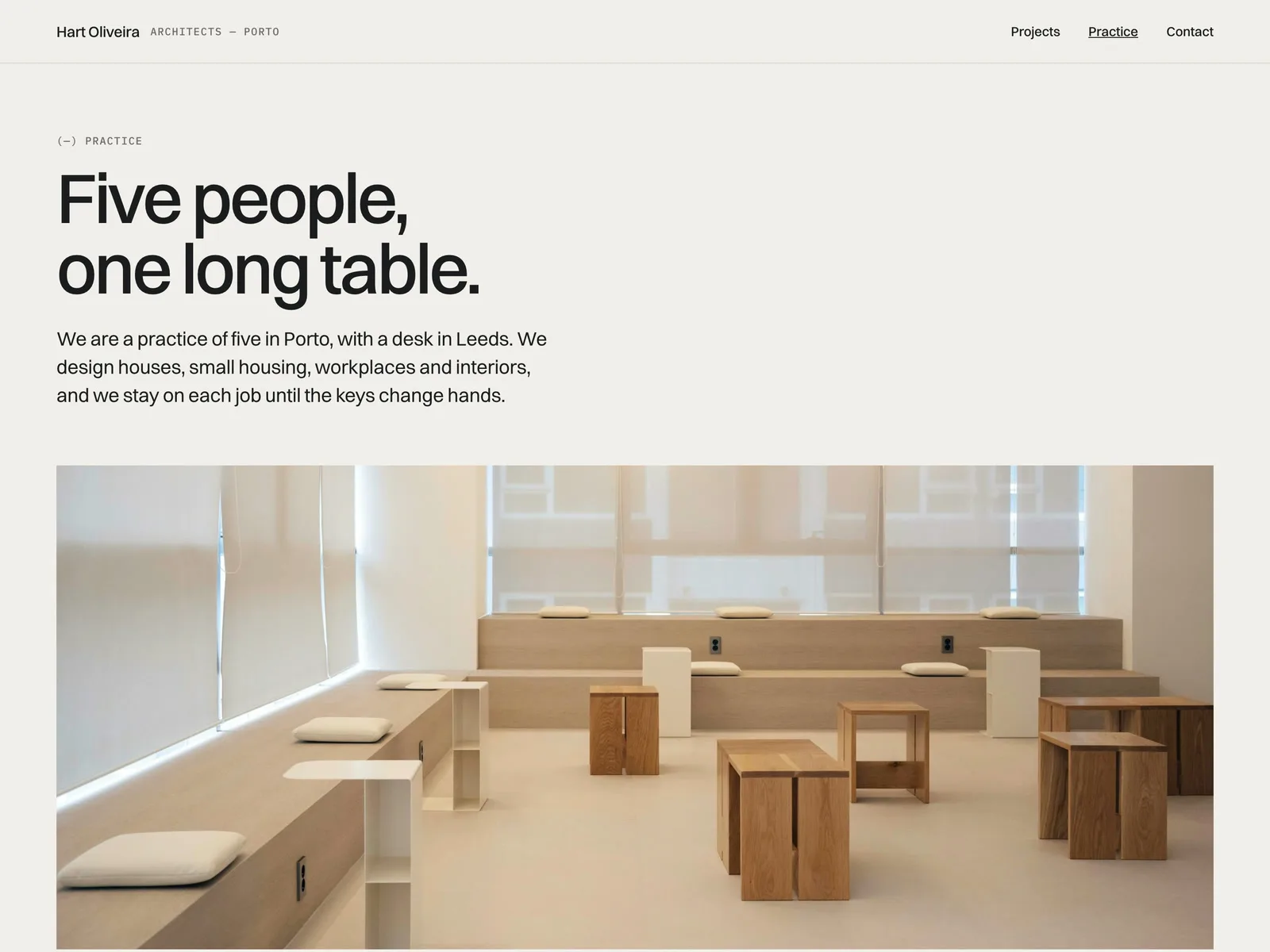
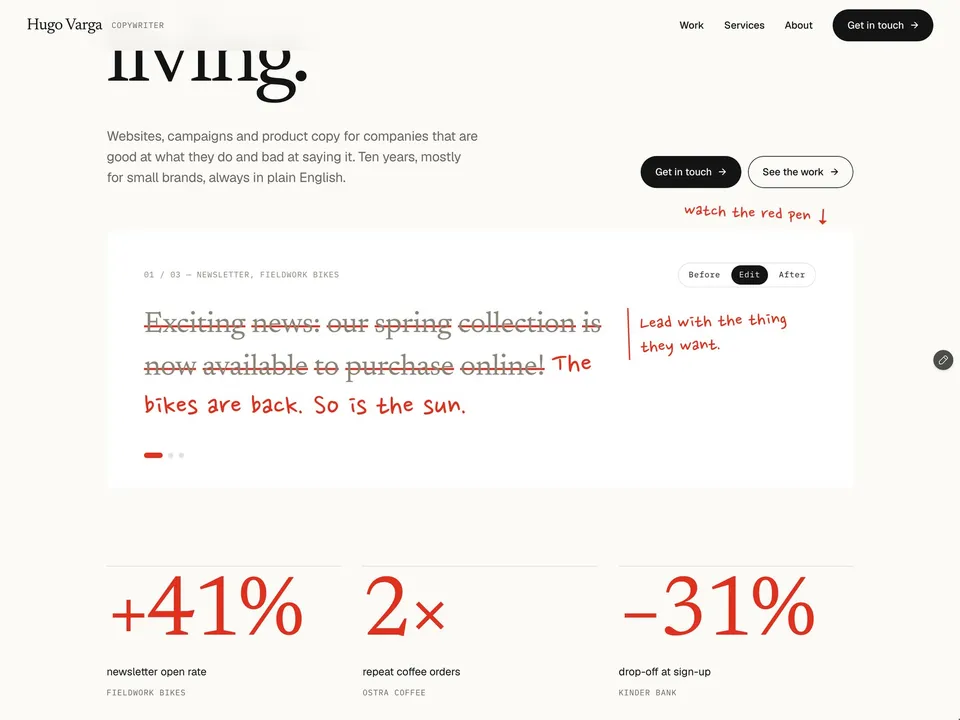
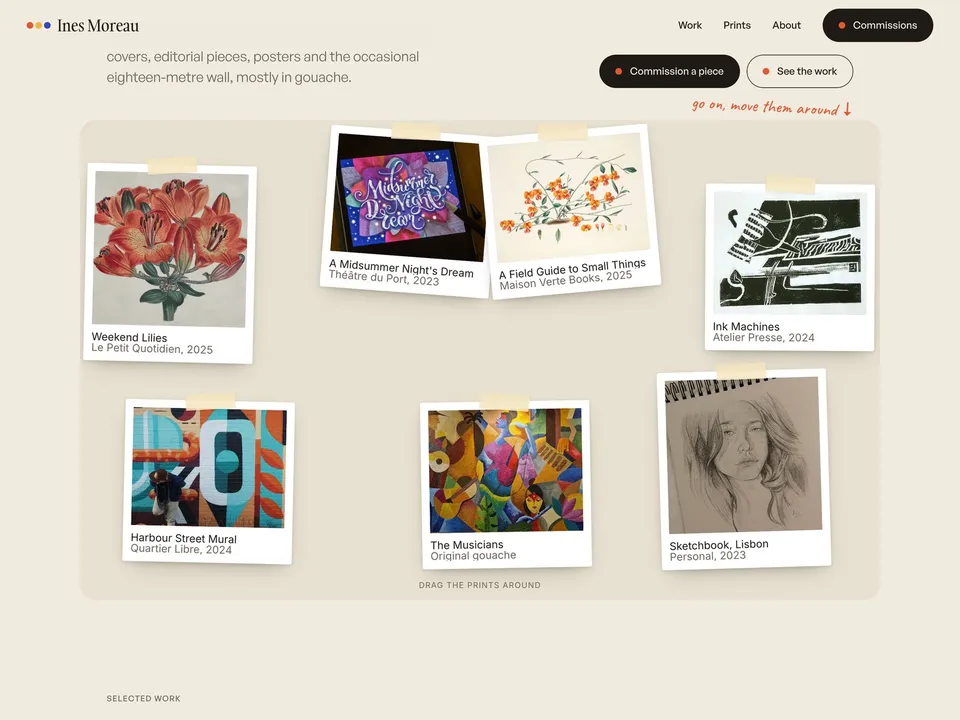
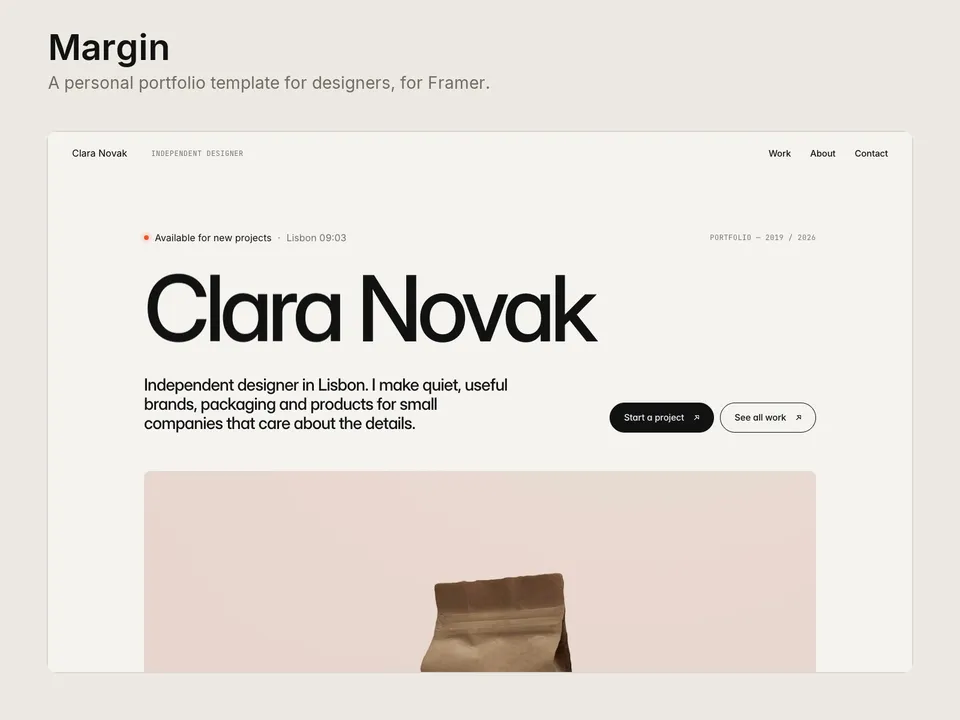
Plan & Section is a calm portfolio for a small architecture or interior practice of one to ten people. Projects are listed as a schedule (No., Project, Place, Type, Status, Year, Area). Every project page has a slider that compares the drawing with the photo, and an m² / ft² switch converts every area on the site. It is a quiet site to send to clients and competition juries.
Pages
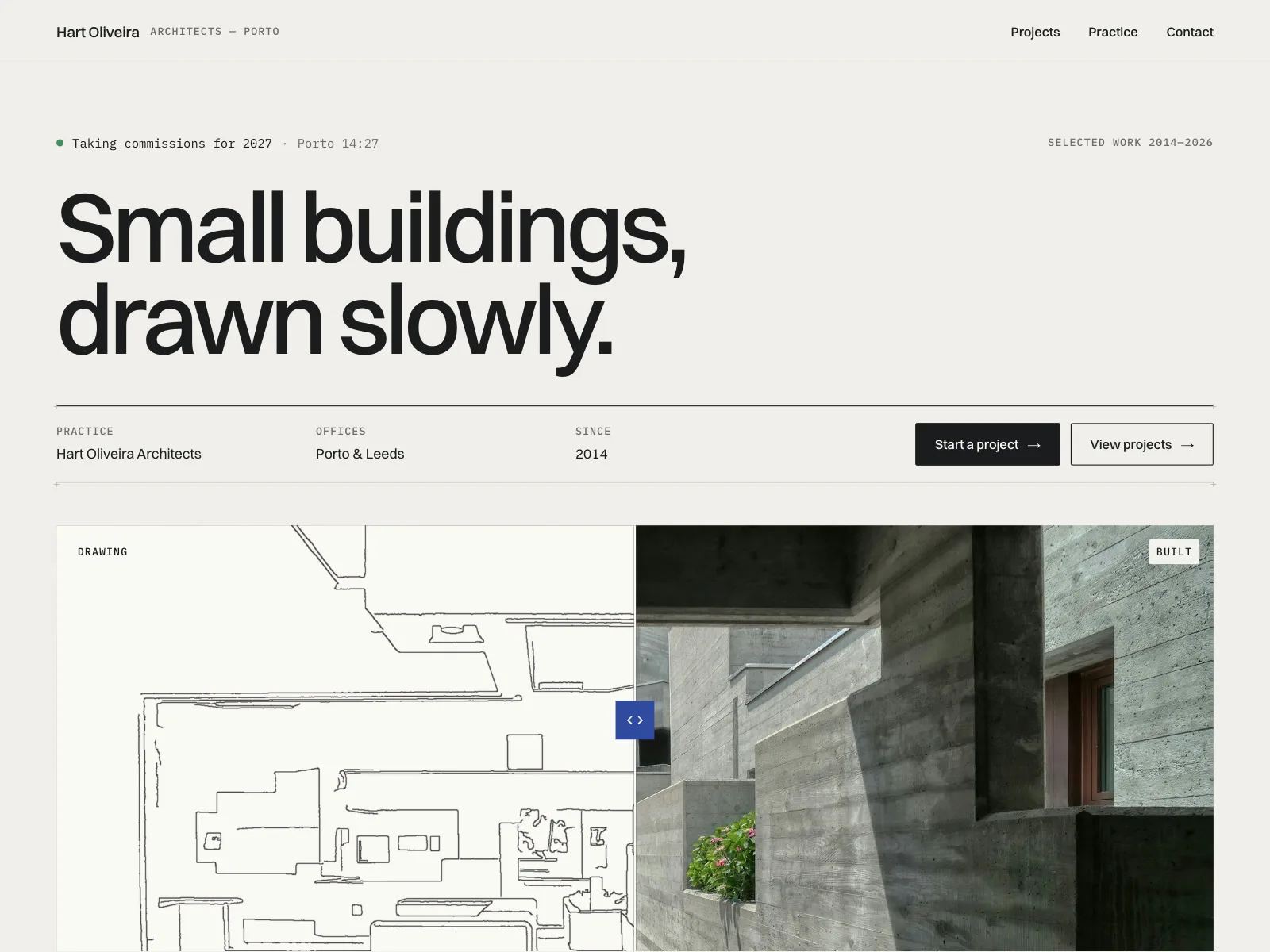
- Home: a statement in large type, an availability line with your city's local time, a drawing / photo compare, the featured projects as a schedule, studio numbers and a short practice text
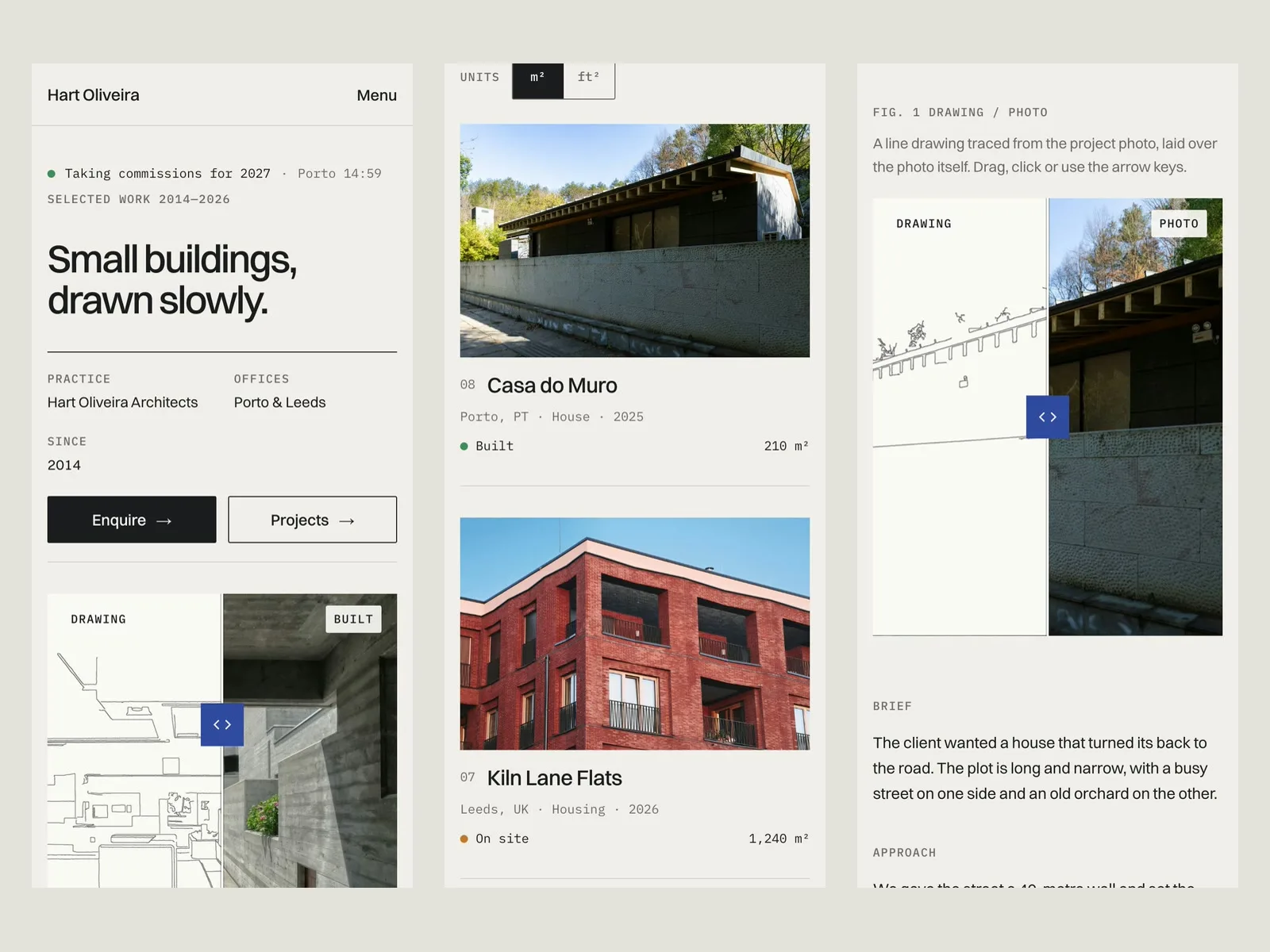
- Projects: the full schedule. Hover a row and its cover image follows the cursor. On phones each row shows its photo above it instead
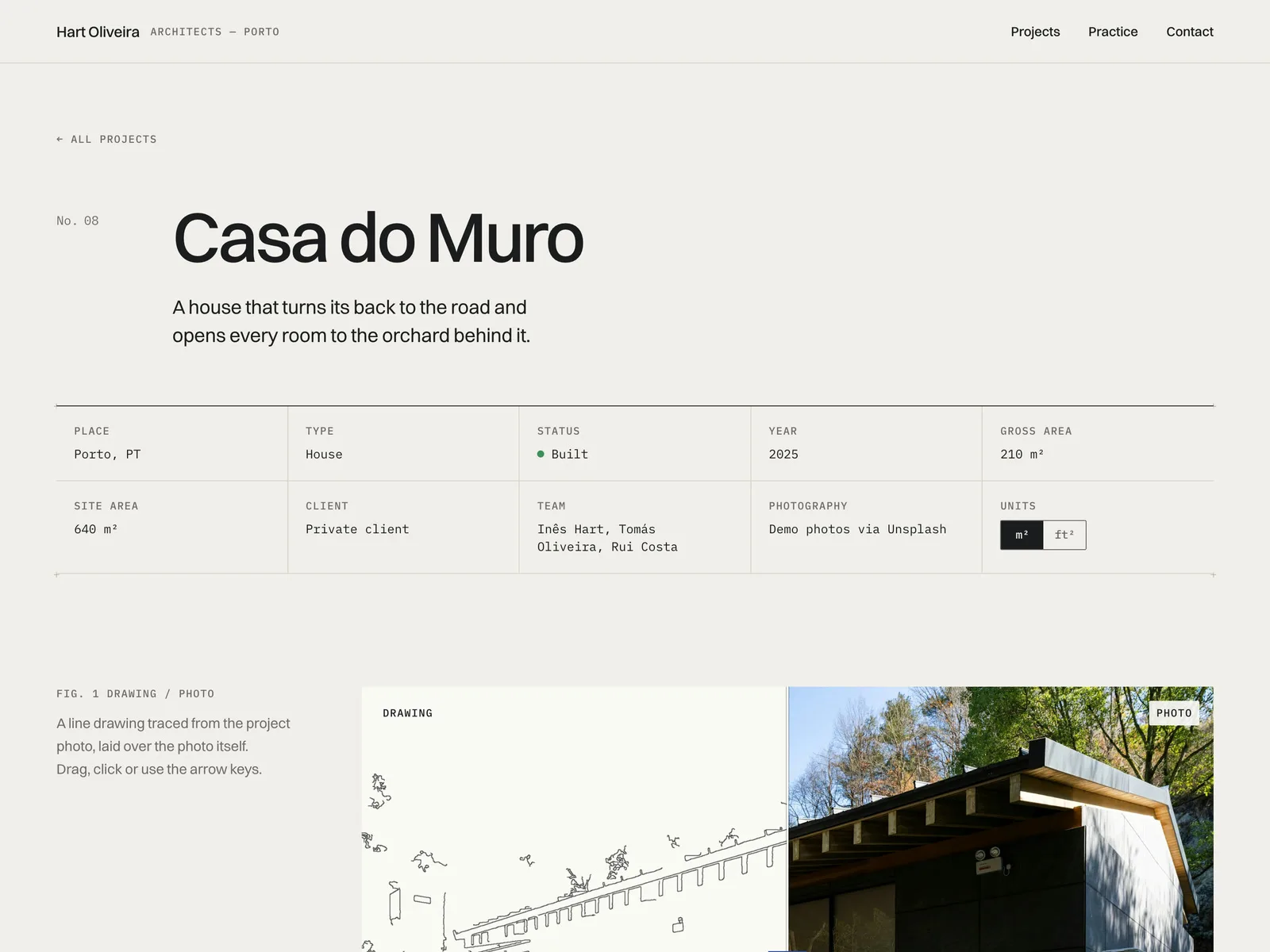
- Project page (CMS): a facts sheet (place, type, status, year, gross and site area, client, team, photography), the drawing / photo compare, brief, approach, materials, a 4-image gallery and More projects
- Practice: approach, services, team and recognition
- Contact: copy-email button, phone, studio address with local time, and an enquiry form
- 404 page; desktop, tablet and phone layouts; SEO set up
Components
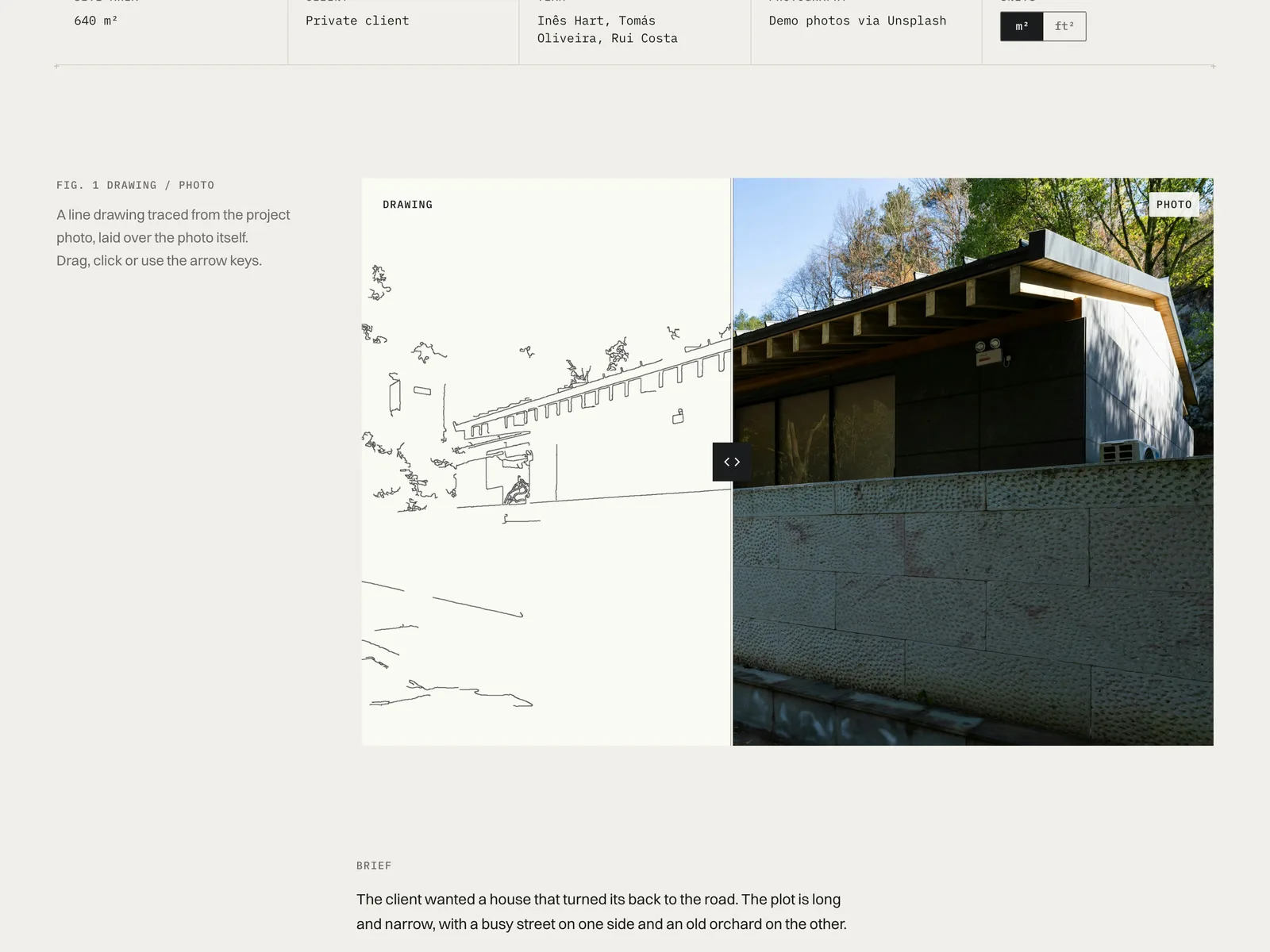
- CutCompare: drag, click or use the arrow keys to move the line between the drawing and the photo. On phones a vertical swipe still scrolls the page. The labels, aspect ratio, start position, focal point, colours and an intro sweep are all controls
- UnitSwitch + Area: enter areas in m² once. The switch shows them in ft² (m² × 10.7639, rounded) on every page, and later pages remember the choice
- Hover cover for the schedule, LocalTime, CopyEmail and a status dot (Built, On site, Competition)
CMS fields (Projects)
Title, Number, Place, Type, Status, Year, Gross Area (m²), Site Area (m²), Client, Team, Photography, Summary, Cover, Drawing, Built, Gallery 1–4, Featured, Order, Body
Good to know
- The line drawings in the demo were traced by script from the stock photos. They are placeholders: replace them with your own plans, sections or sketches.
- The selects in the contact form open on a soft default ("Not sure yet" or "Just exploring"), so a visitor can send the form without picking one. The fields don't set autocomplete attributes.
- More projects on a project page shows the first three projects in list order, without the one you're on. It doesn't pick related projects.
- The phone link on /contact has a fixed width at each breakpoint. If you change the number or text, resize the link at each breakpoint.
- Areas are entered in m² only. ft² is calculated from them.
- The practice, people, clients and projects are made up. Photos are from Unsplash.