About Fair Copy
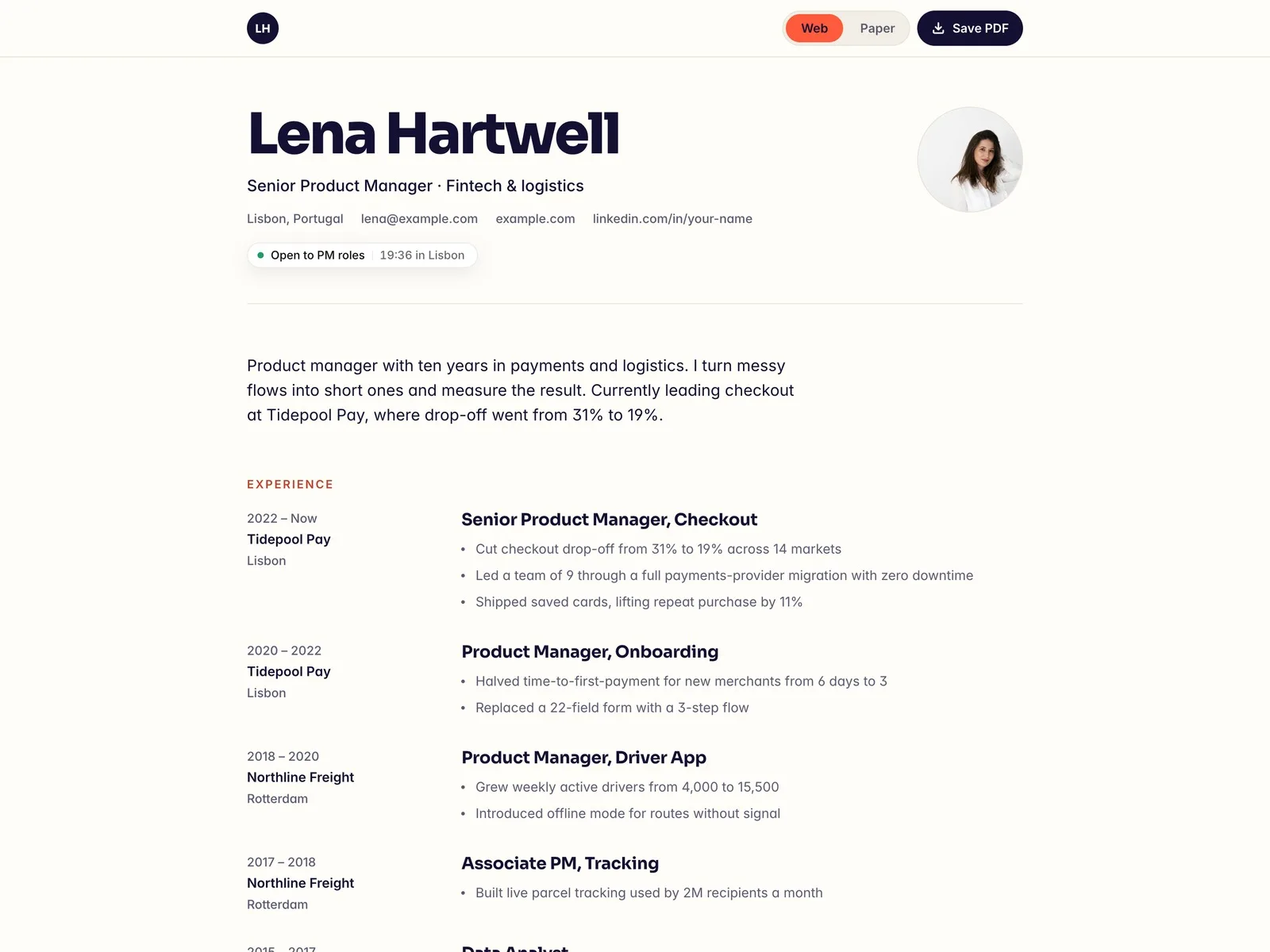
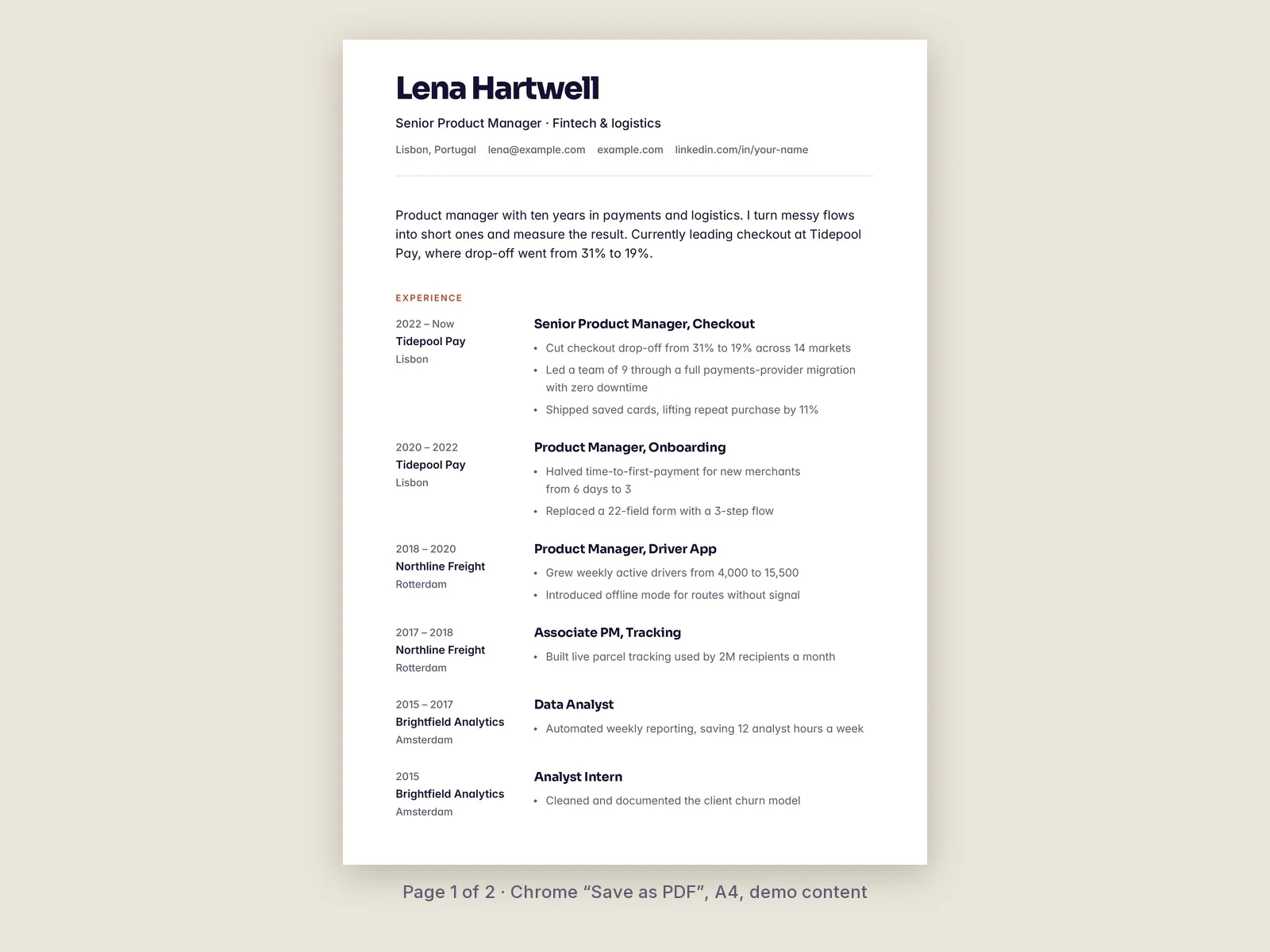
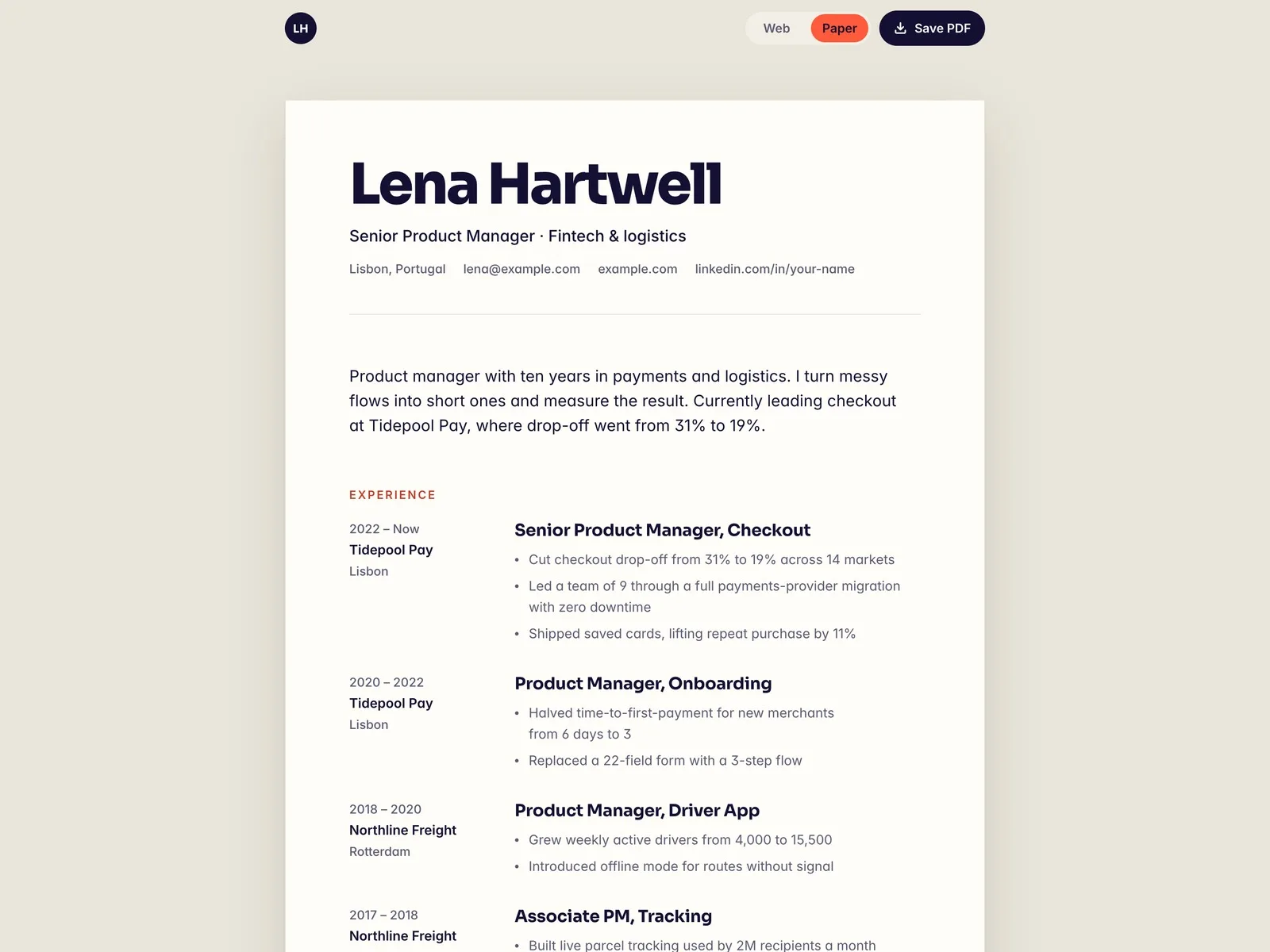
Fair Copy is a one-page résumé website that is also your PDF. Flip the Web / Paper switch and the page turns into a printable sheet on a desk. Press Save PDF and the browser's print dialog opens with a clean print layout. Edit one résumé, then send recruiters the link or the file.
What's inside
- Web / Paper switch with a shareable link: add ?view=paper and the page opens as the sheet
- Save PDF button that opens the browser's print dialog. The print uses a stacked layout without the toolbar, portrait or buy badge, and lists project links as text
- Experience, projects and education from the CMS: add a role and it shows up on the web, on paper and in print
- Open-to-work pill with your city's local time
- Project pages for up to four short case notes
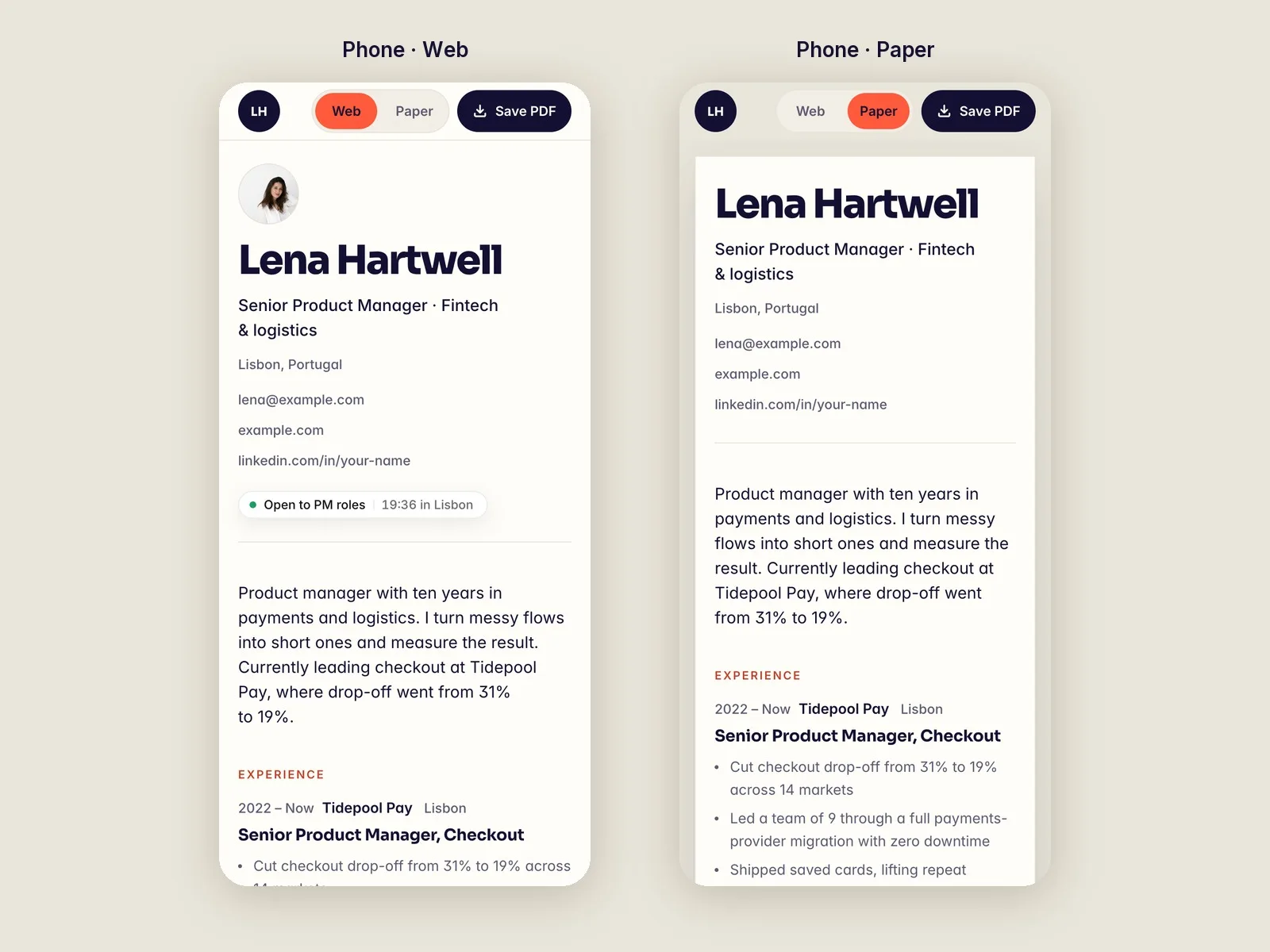
- Desktop, tablet and phone layouts; SEO set up
Good to know
- The PDF comes from the browser's print dialog ("Save as PDF"). The site doesn't generate a file. Choose A4 or Letter in the dialog.
- With the demo content, the print is 2 A4 pages. Longer histories add pages.
- The print is not a copy of the desktop page. It uses its own stacked print layout.
- It was tested in Chrome on a computer. Safari and phone printing were not tested, so print from a computer.
- The switch and the print styles find layers by name: "Sheet", "Web Only", "Paper Only" and "Role". If you rename a layer, enter the new name in the PaperSwitch controls.
- In the printed project list, each project is written as "yourname.com/projects/…". Change that line to your own domain.
- The person, companies and numbers are made up. Photos are from Unsplash.
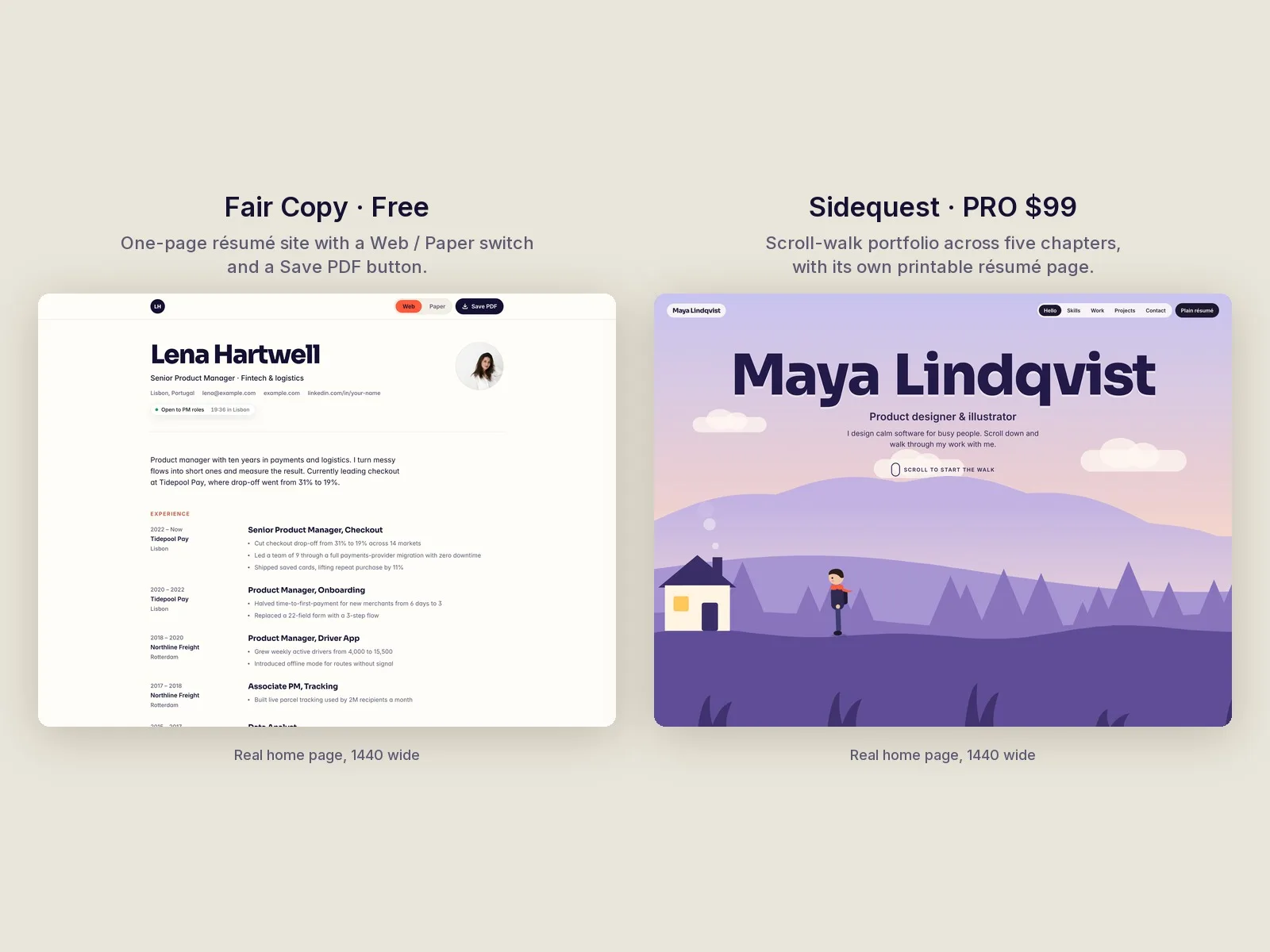
Want a résumé people remember? Sidequest is the PRO version. Visitors walk through your career in five chapters as they scroll, and it has the same kind of printable résumé page.