About Finance OS
Finance OS is a Notion template for your personal money: accounts, monthly budgets, transactions, savings goals and subscriptions on one page, linked together so the numbers add up on their own.
What it does
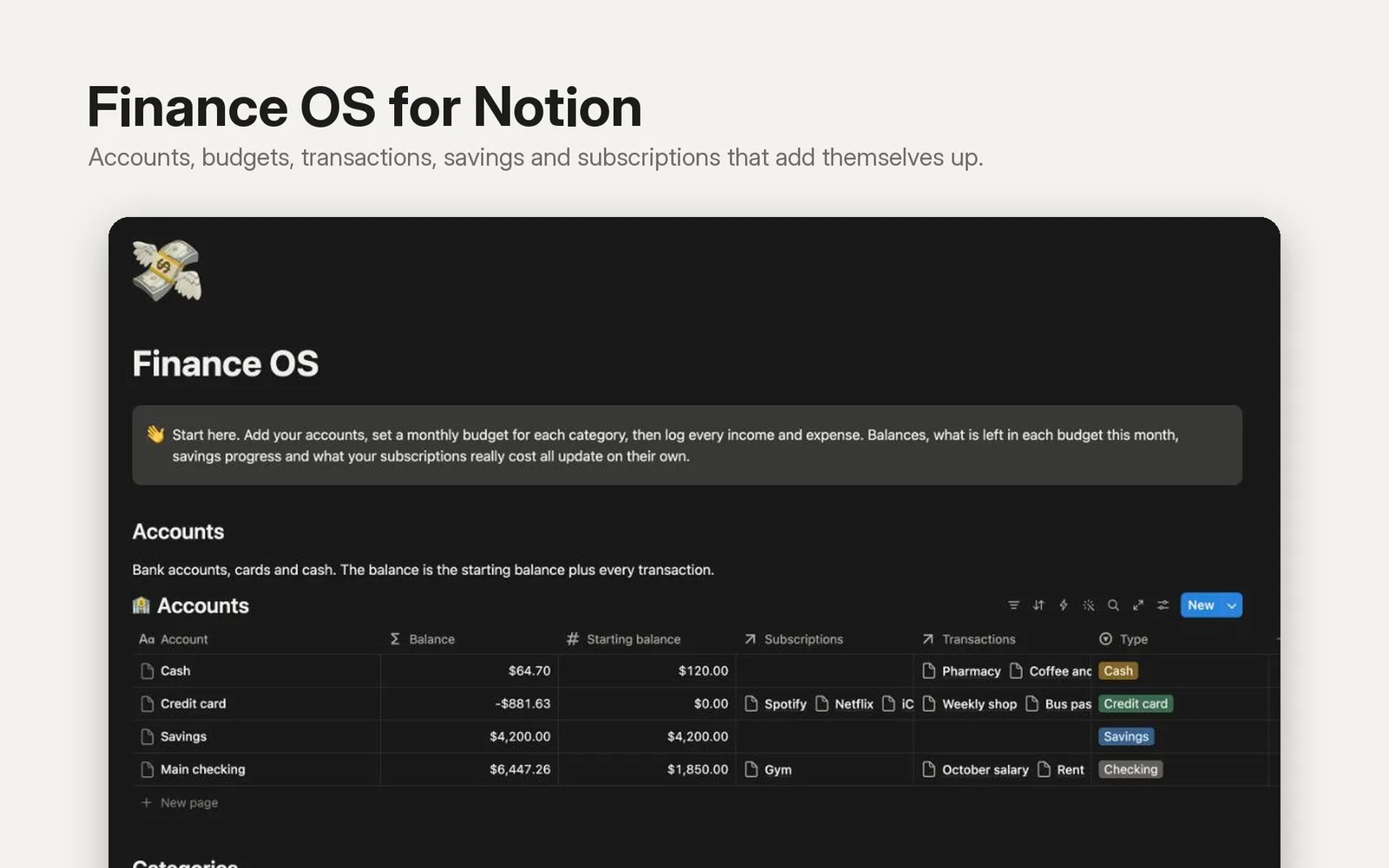
- Accounts for bank, cards, cash and savings. The balance is the starting balance plus every income and expense you log.
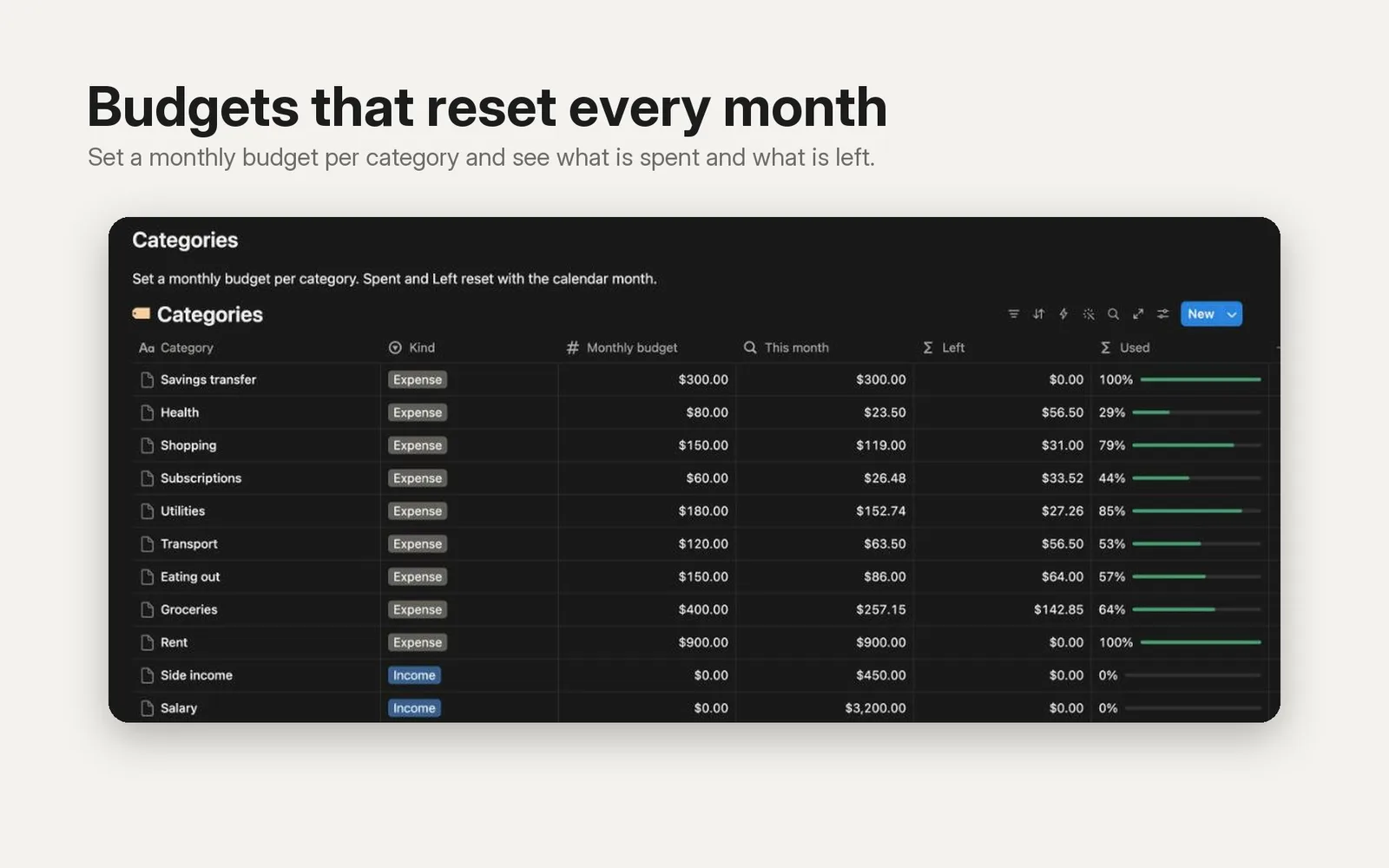
- Categories with a monthly budget. Each shows what you spent this month, what is left and a bar for how much of the budget is used. It resets with the calendar month.
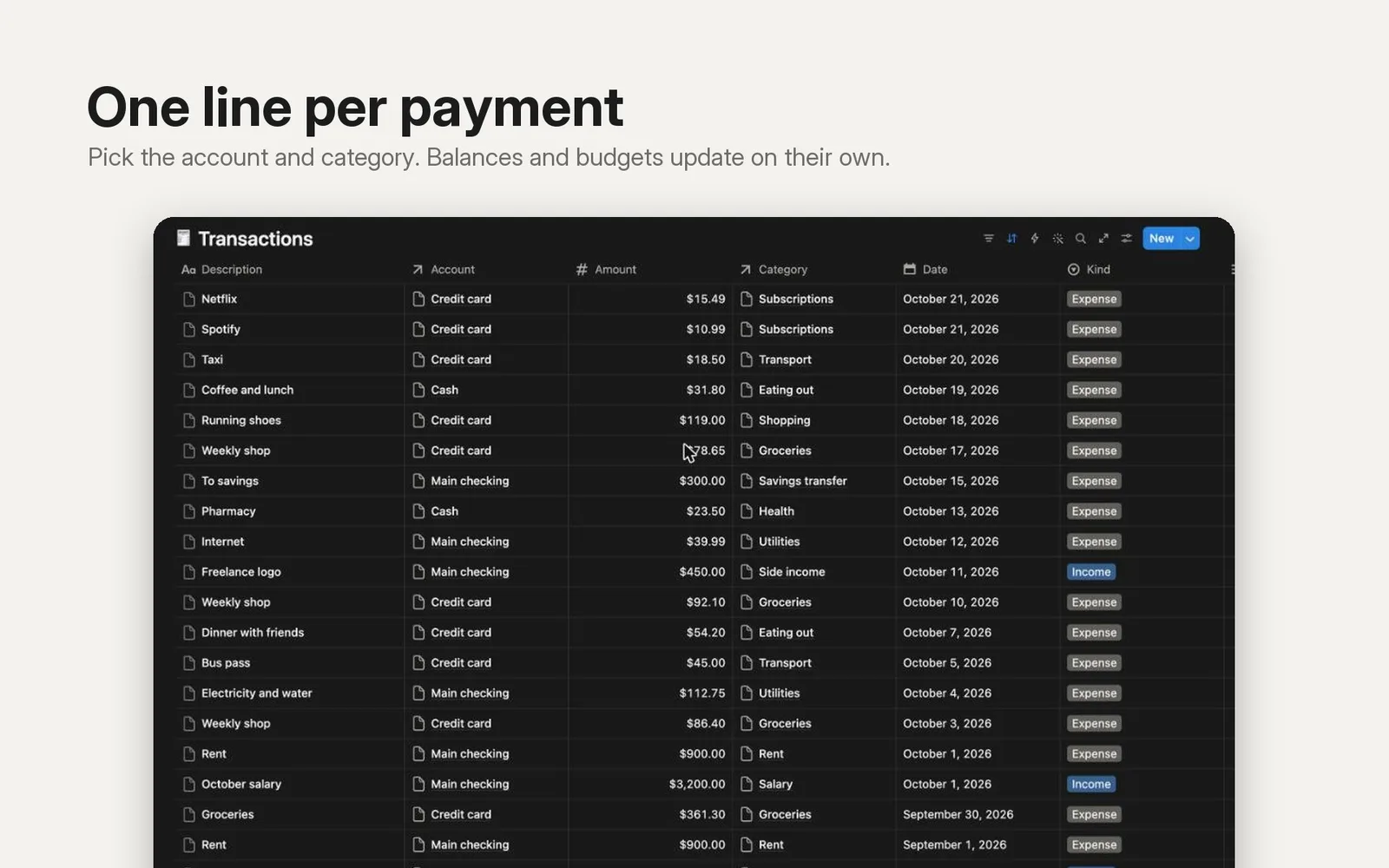
- Transactions, newest first. Pick the account and the category; balances and budgets update by themselves.
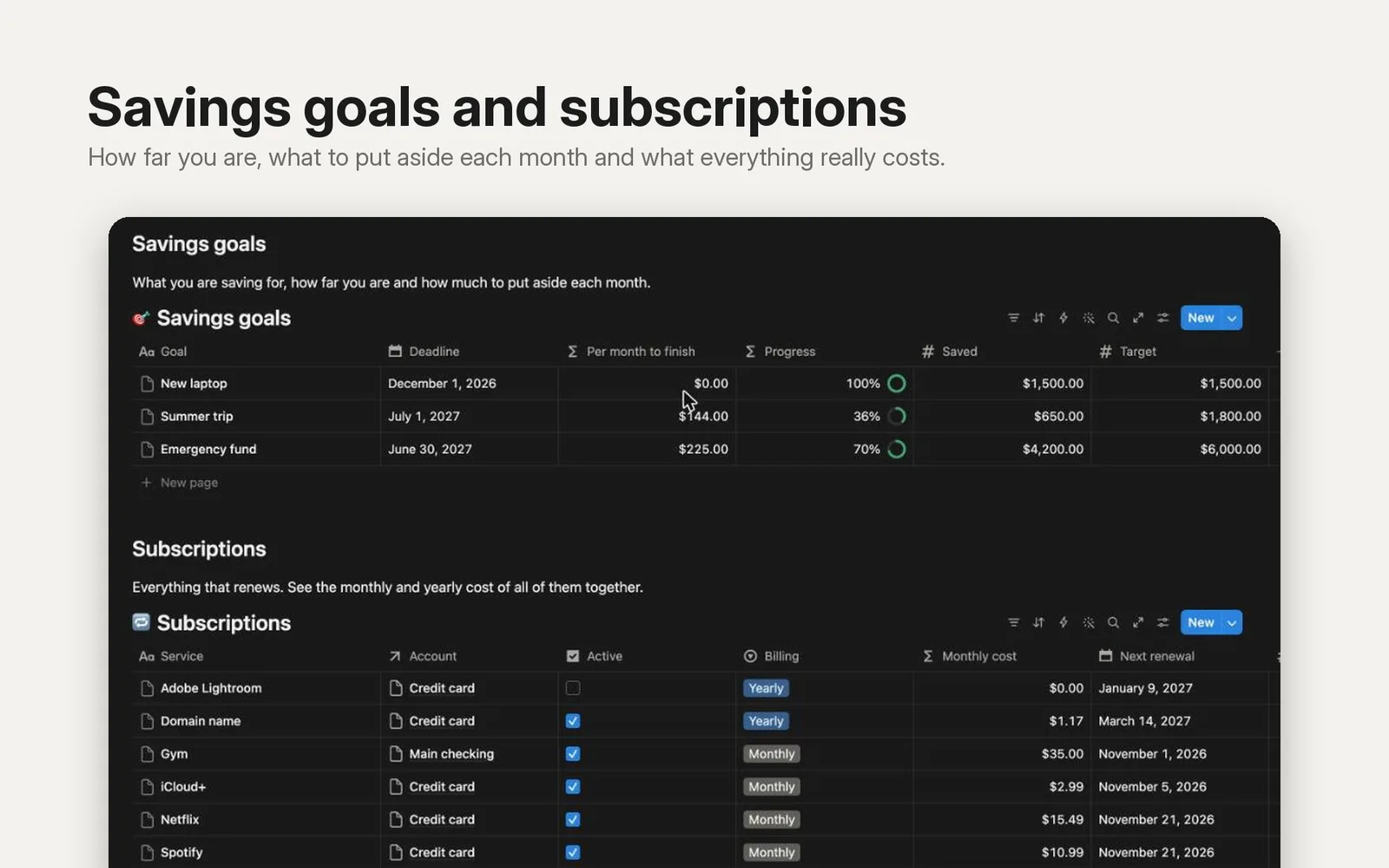
- Savings goals with a progress ring and how much to put aside each month to reach the target by the deadline.
- Subscriptions with the real monthly and yearly cost of each one, monthly or yearly billing, and the next renewal date.
What you get
- A link that copies the template into your own Notion workspace in one click.
- Five linked databases with sample data (4 accounts, 11 categories, 20 transactions, 3 savings goals, 6 subscriptions) so you can see how it works before adding your own. Delete the samples when you are ready.
- A short "Start here" note at the top.
Good to know
- Works on the free Notion plan. You need a Notion account.
- Amounts are in US dollars; you can switch any money column to your currency in two clicks.
- It does not connect to your bank. You type in your transactions.
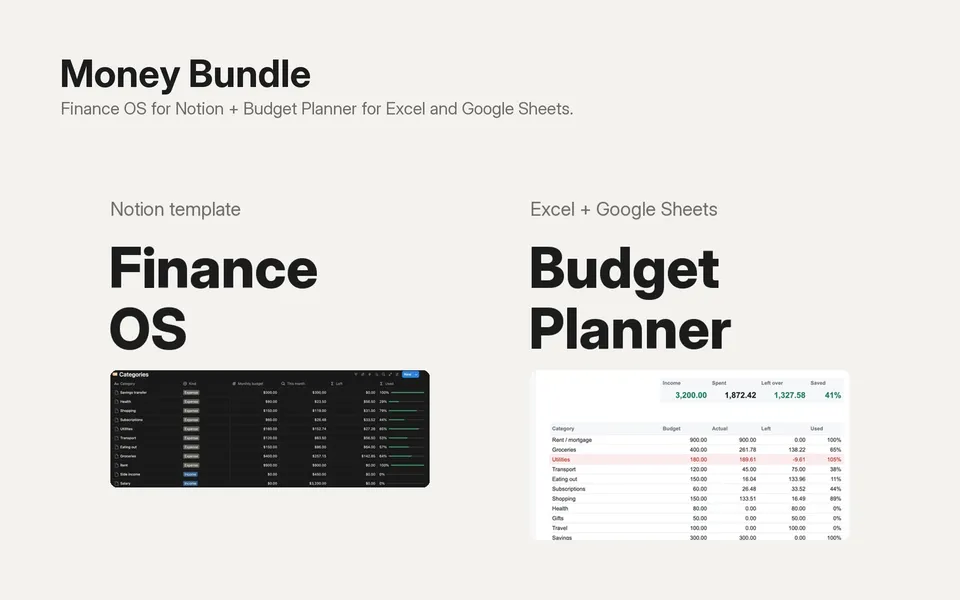
- Prefer a spreadsheet? Budget Planner for Excel and Google Sheets is also in the shop.