About Tearsheet
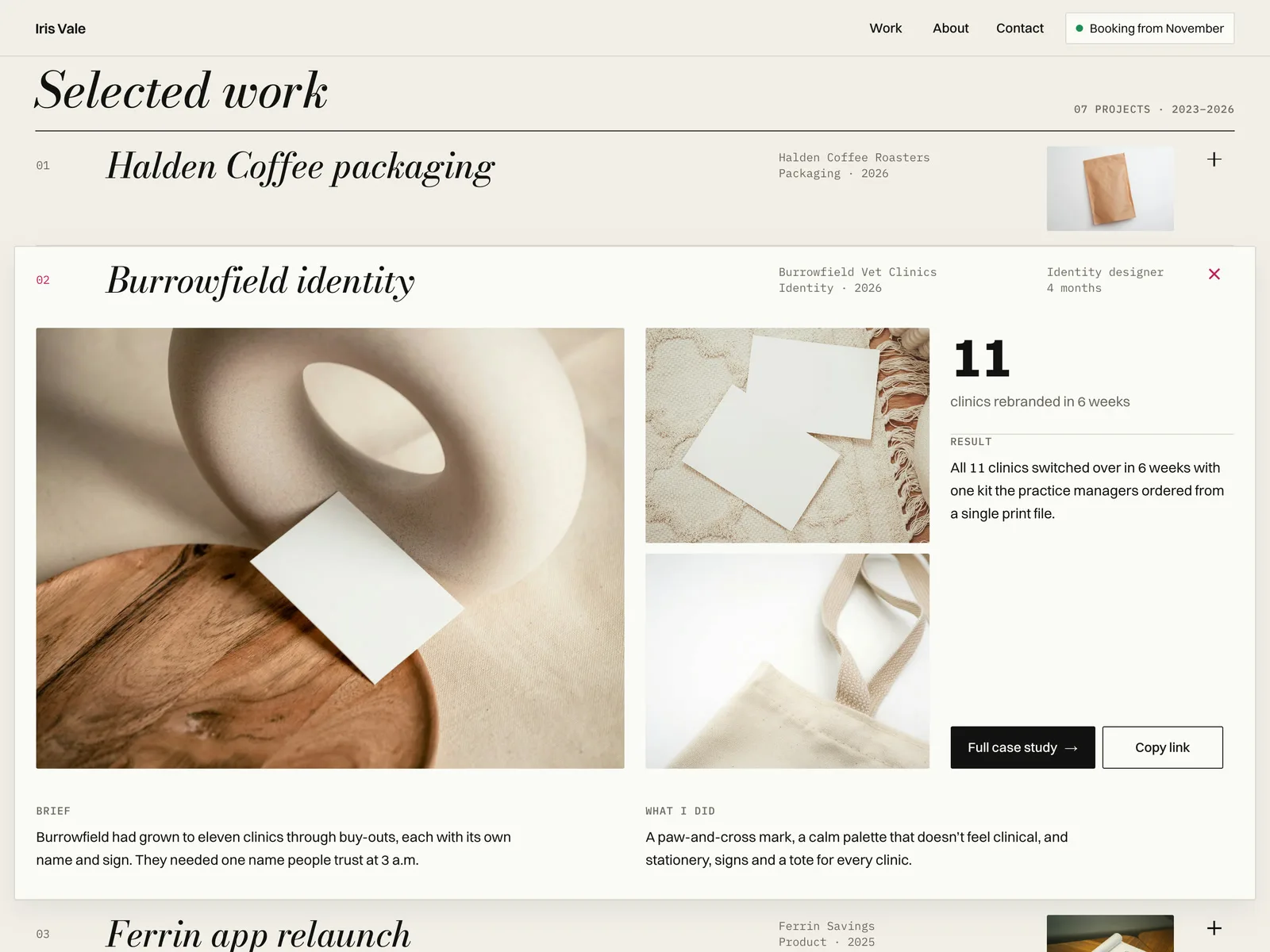
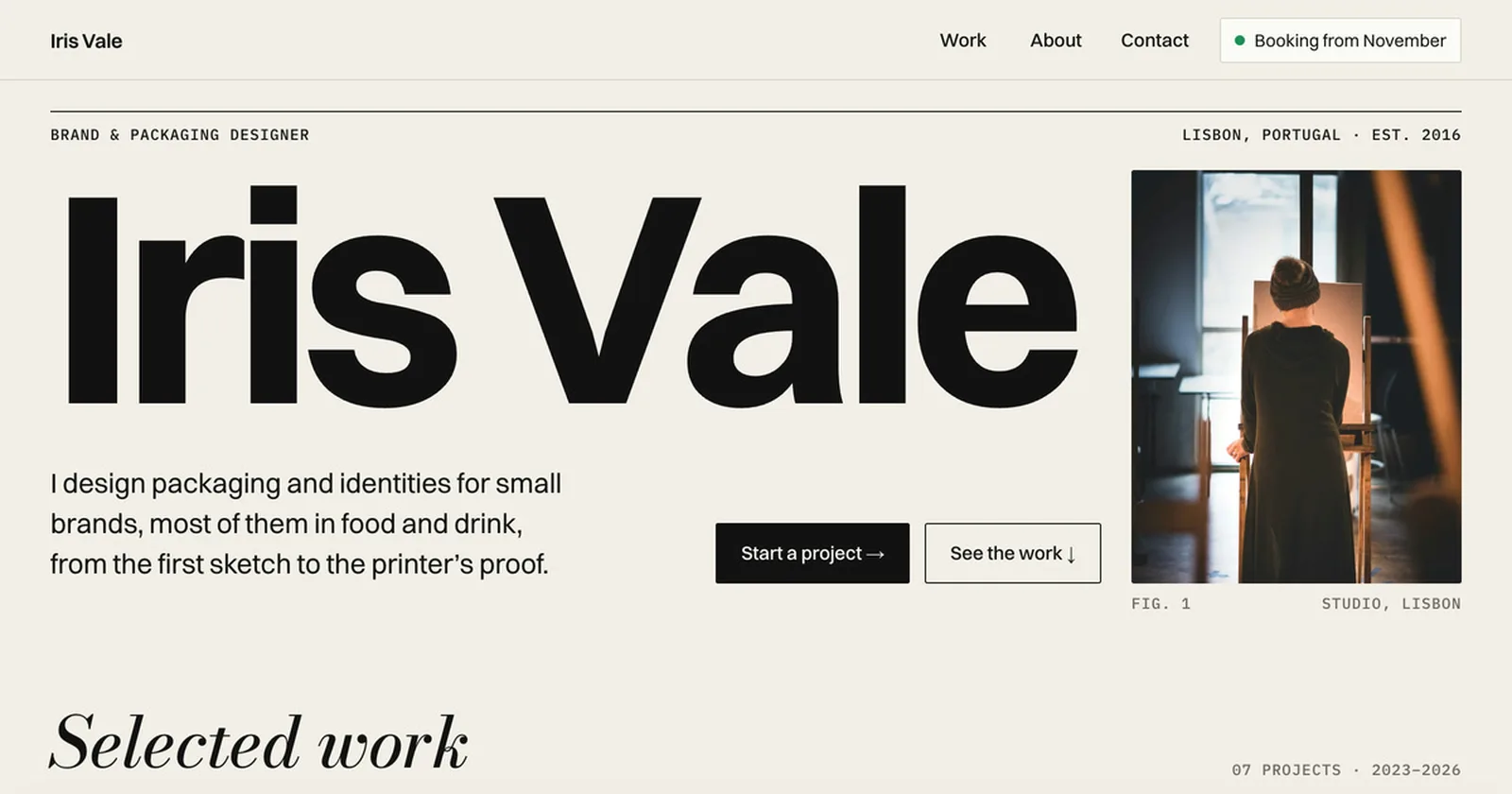
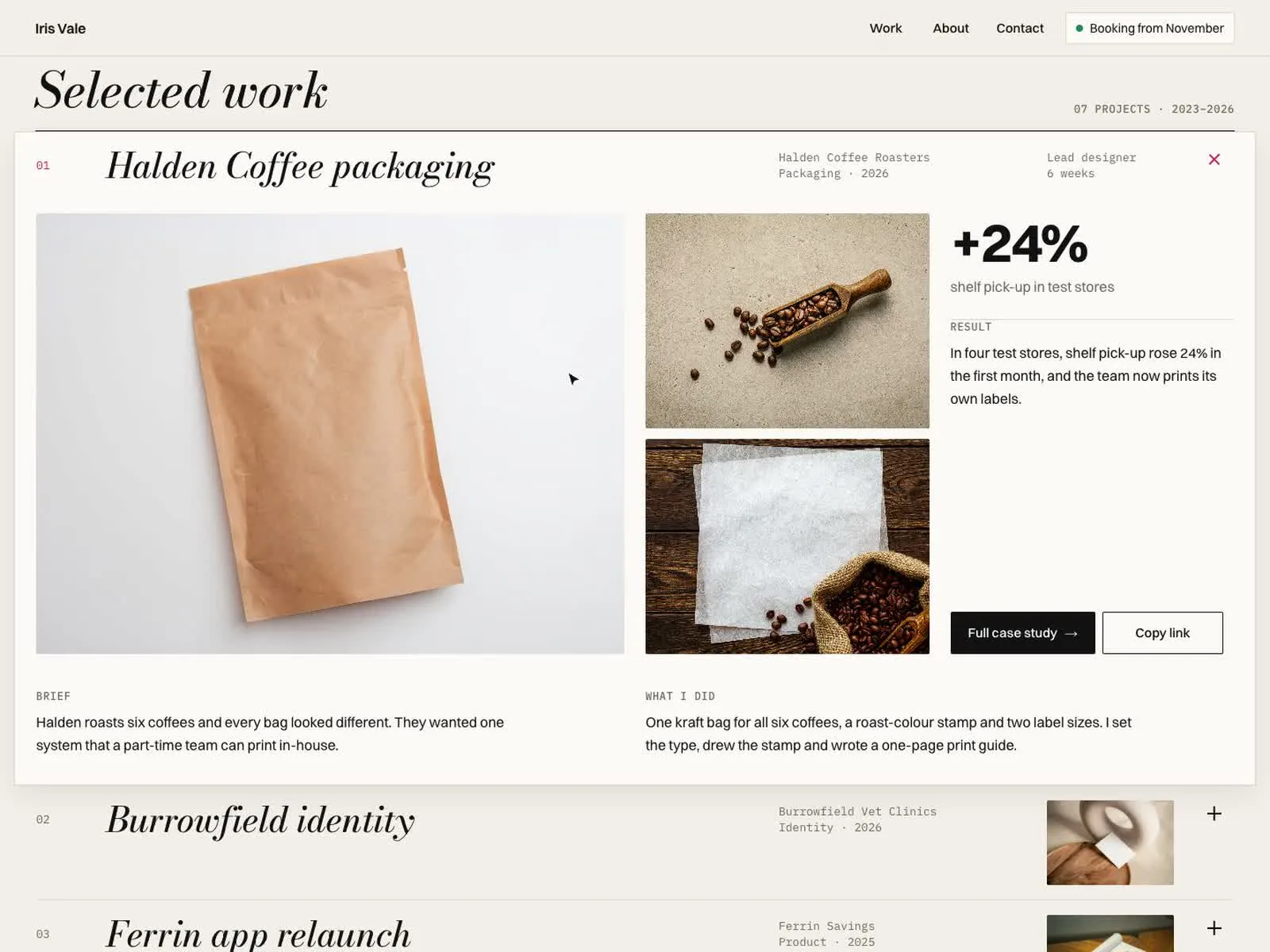
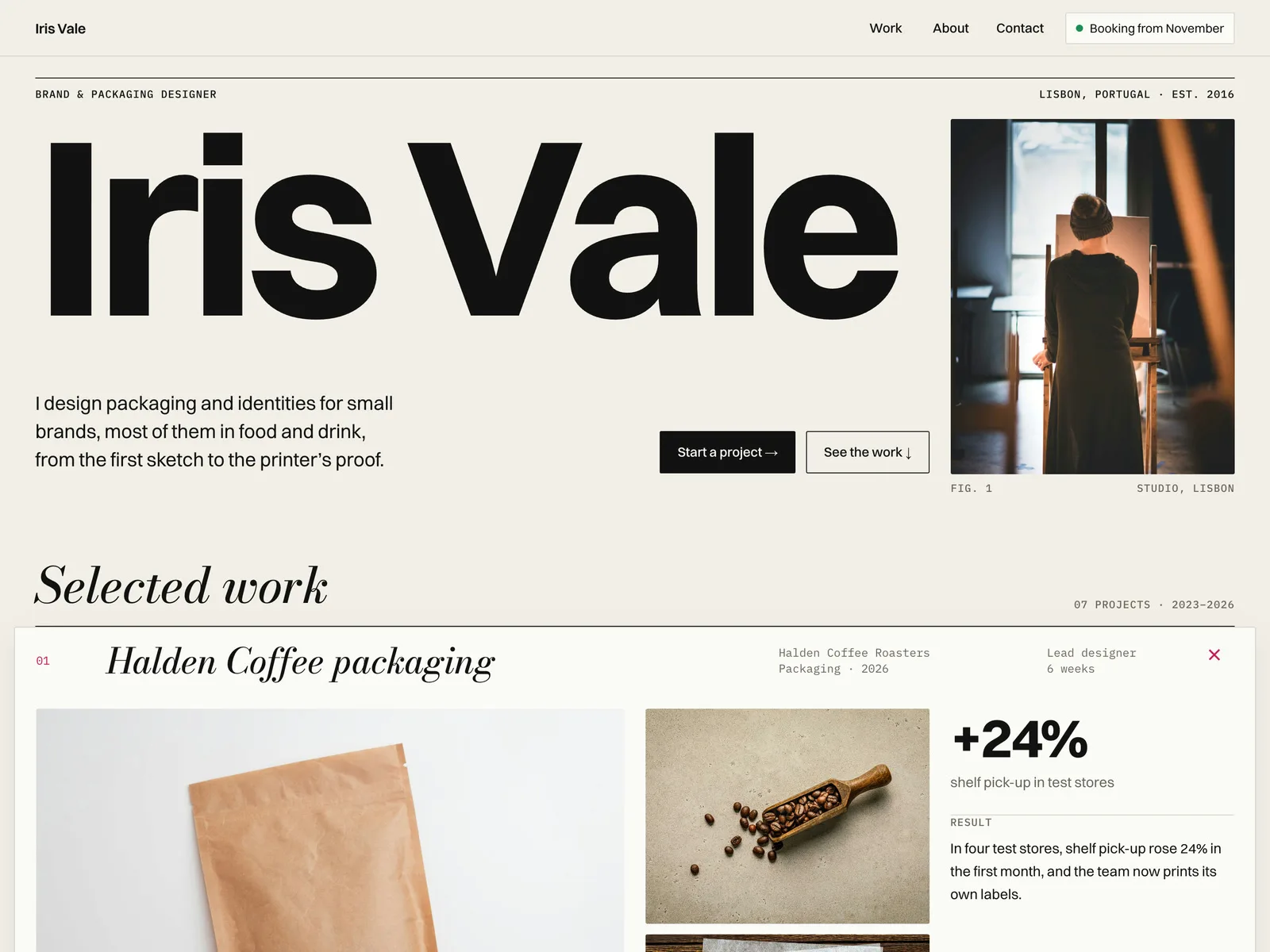
Tearsheet is a free one-page portfolio for independent designers and small studios. Your name runs across the top in huge type, and your projects open in place: click a row and it unfolds into the case right there (gallery, brief, what you did, result and one number) without leaving the page.
What you get
- A remix link to the Framer project. The demo site is the same project.
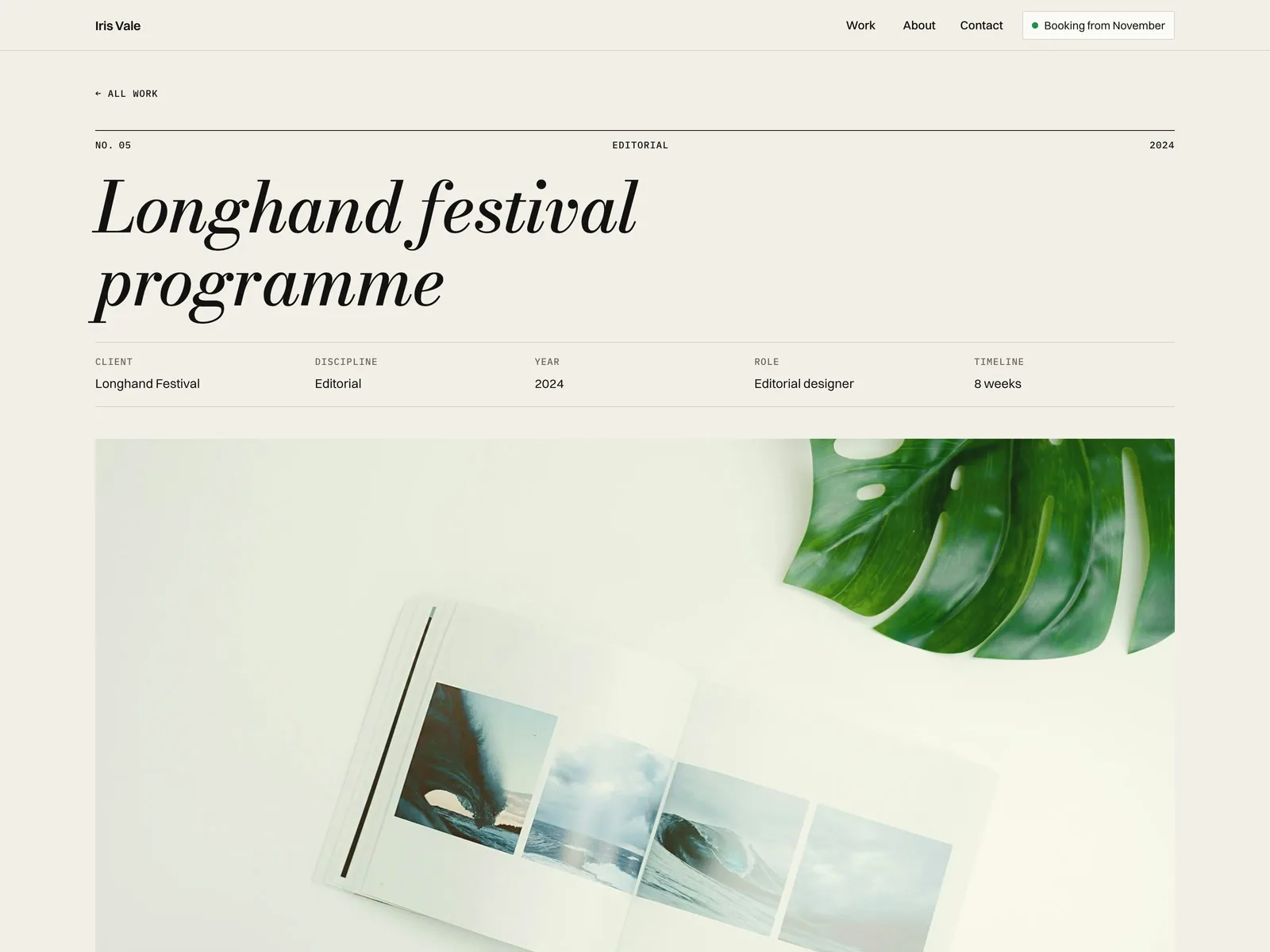
- Pages: Home, 7 example projects from the CMS (each with its own case page) and a 404.
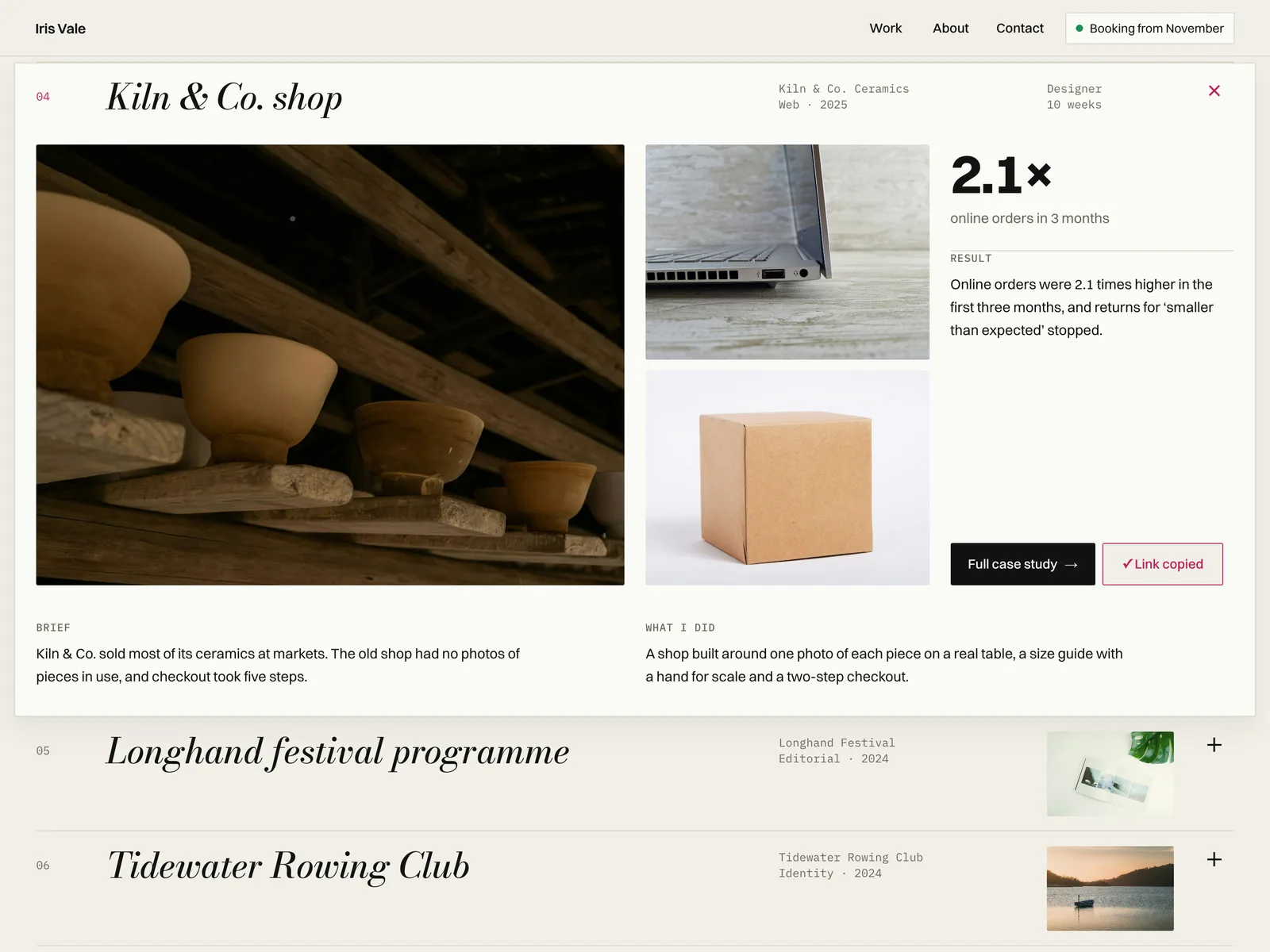
- Project rows: each opens in place, the first one is open when the page loads, and every project has its own link (/#work-<slug>) that opens it straight away.
- Copy link: copies that project link and shows "Link copied" (if the browser blocks the clipboard, it shows the link to select).
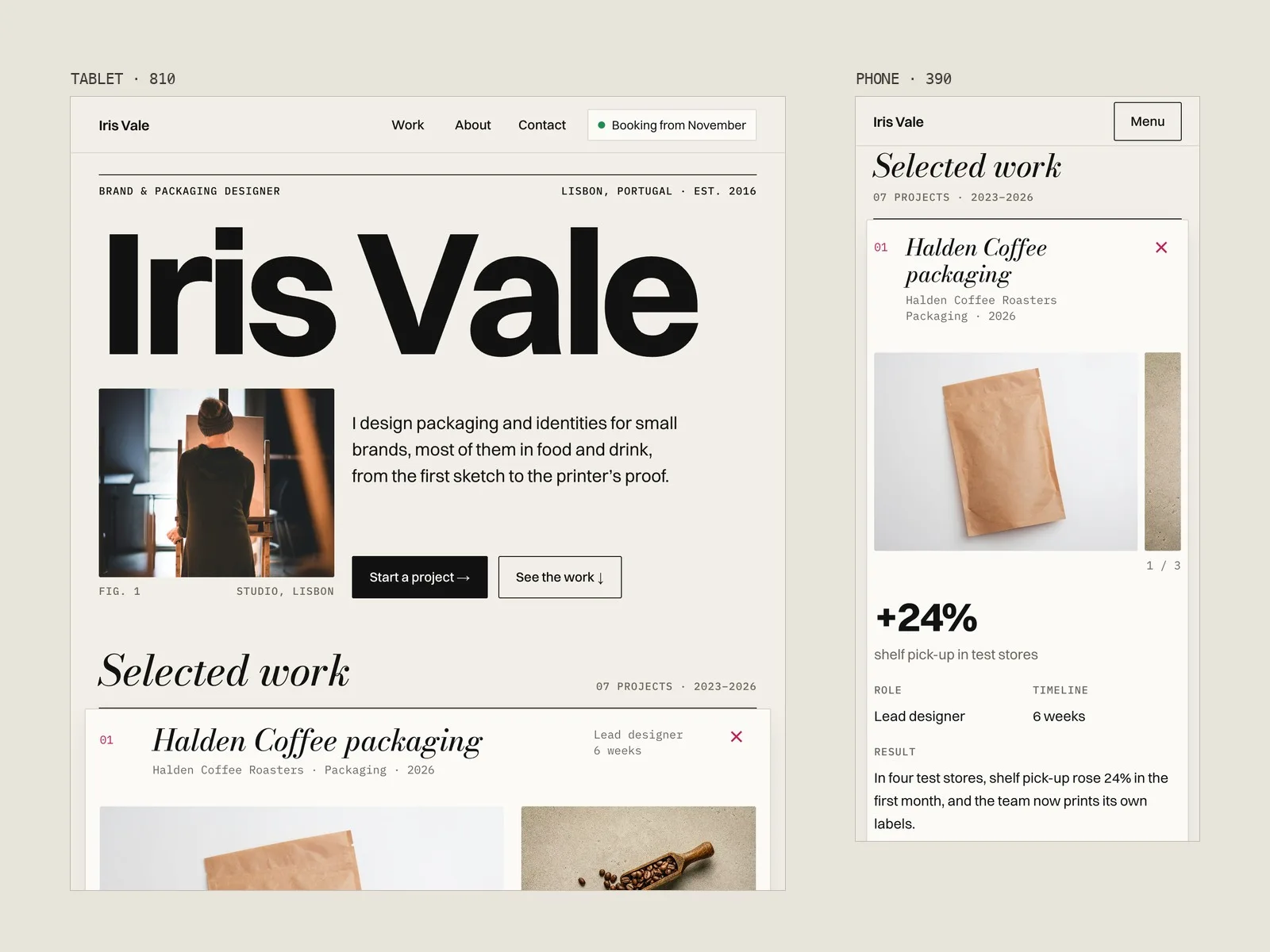
- Hero name that sizes itself to fit the width, so long names fit automatically.
- About, services, experience, two testimonials and a client line.
- Contact: an email that copies on click and a form (name, email, project type, timeline, message) using Framer's built-in form submissions.
- CMS fields per project: Title, Folio, Client, Discipline, Year, Role, Timeline, Cover, Image 2, Image 3, Share Image, Brief, What I Did, Result, Metric Value, Metric Label, Live Link, Open First, Order, Body.
- Four layouts: 1440, 1200, 810 and 390.
Good to know
- All example content is made up: the person, the clients, the projects and the numbers. Photos are from Unsplash.
- The "View live" button and the social links are placeholders; point them at your own pages.
- Project rows are a small code component. You edit them in the CMS, not in code. The in-place view uses plain text; formatted text (Body) is on the full case page.
- The CMS is one collection with 7 items. Framer's CMS limits per plan change over time, so check framer.com/pricing before you add more projects. A custom domain needs a paid Framer site plan.