About Room Tone
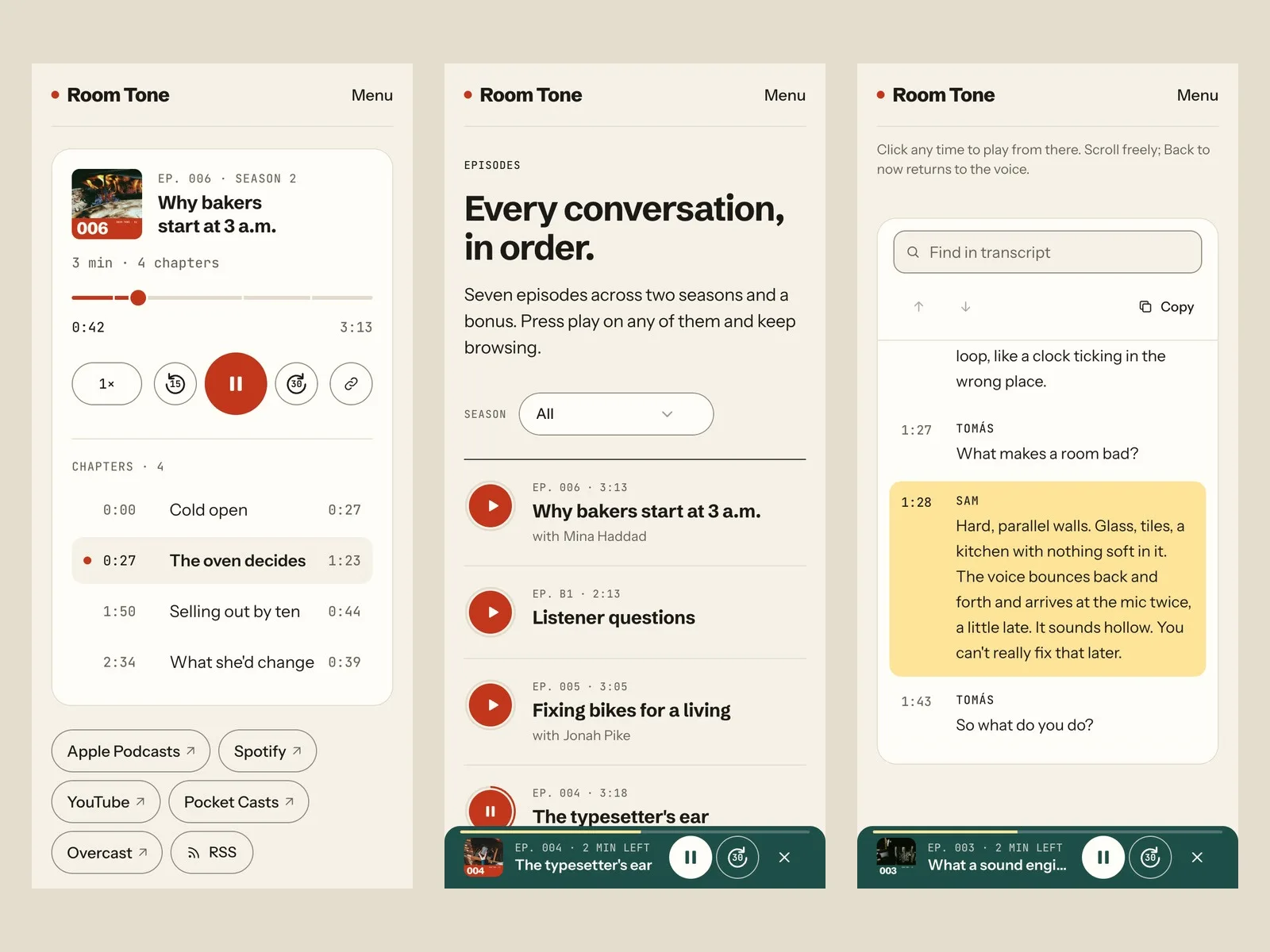
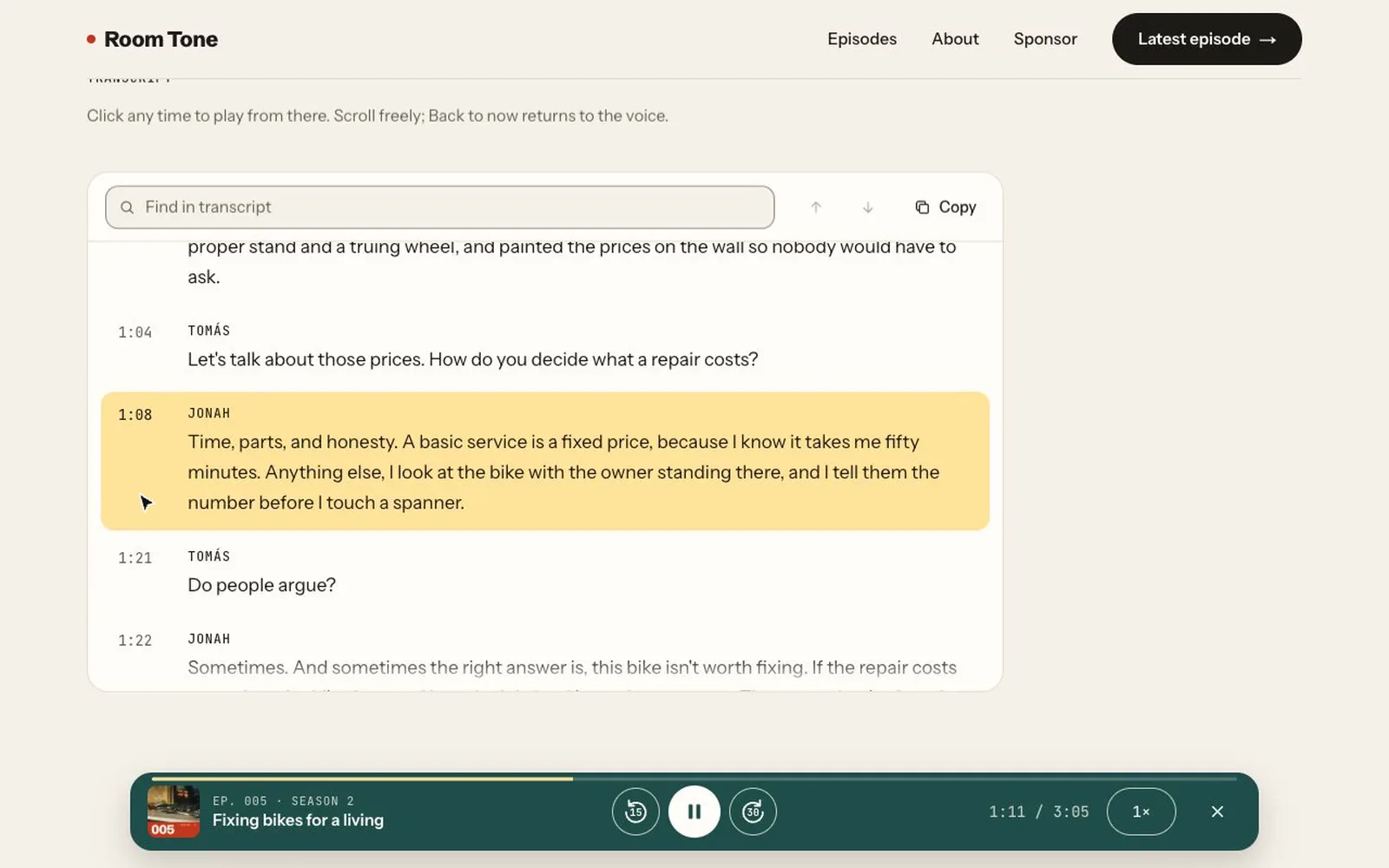
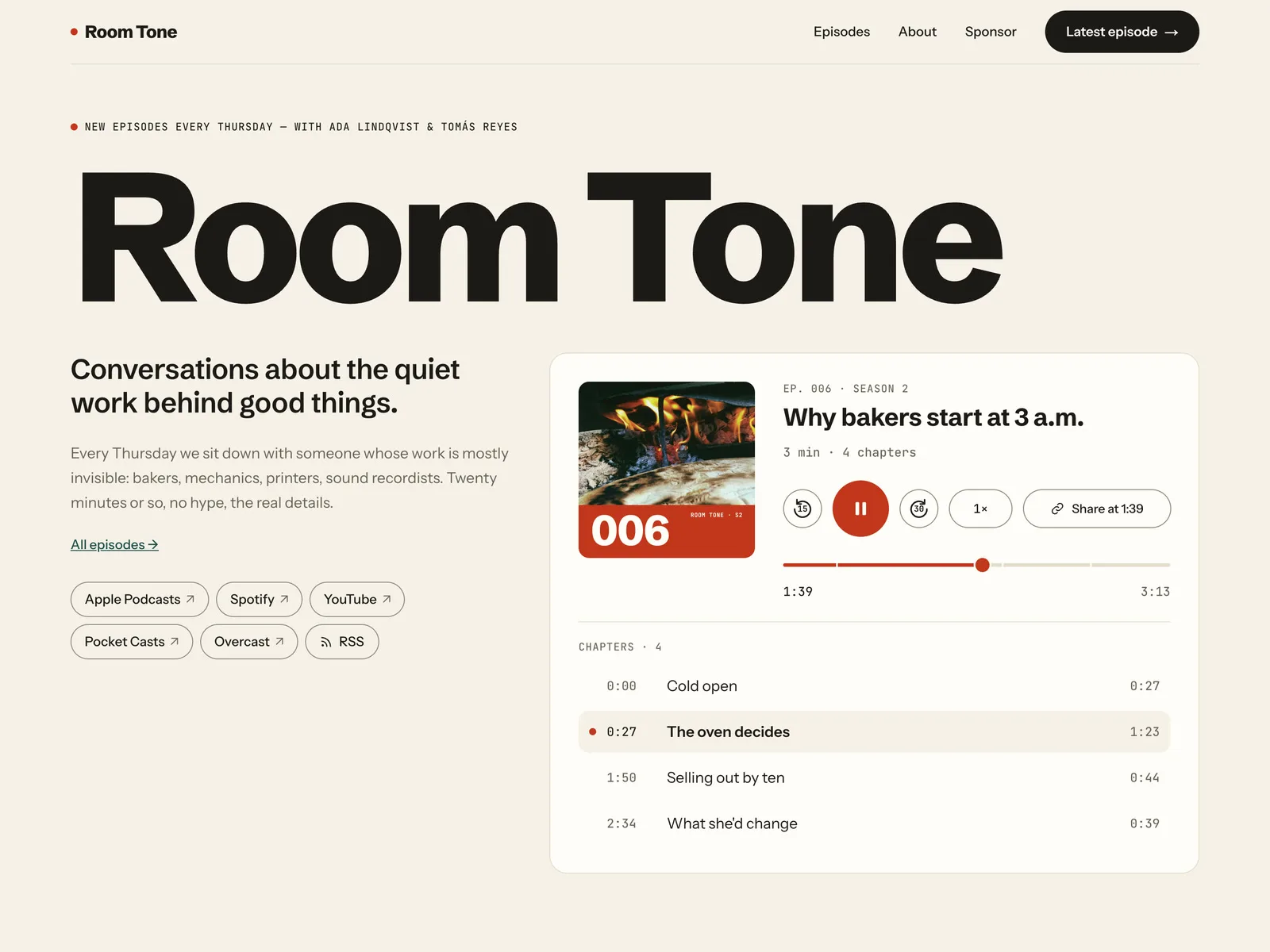
Room Tone is a calm website for an interview or conversation podcast, with a real episode player built in instead of an embed. Press play on any episode card and keep browsing: the audio keeps playing from page to page in a dock at the bottom. Every episode has chapters, a share link that starts at the current moment, and a transcript that follows the voice line by line.
Pages
- Home: the show name in large type, a one-line promise, the latest episode in a full player with chapters, Listen on pills (Apple Podcasts, Spotify, YouTube, Pocket Casts, Overcast, and an RSS pill that copies your feed URL), four recent episodes with play buttons, a short intro and a newsletter signup
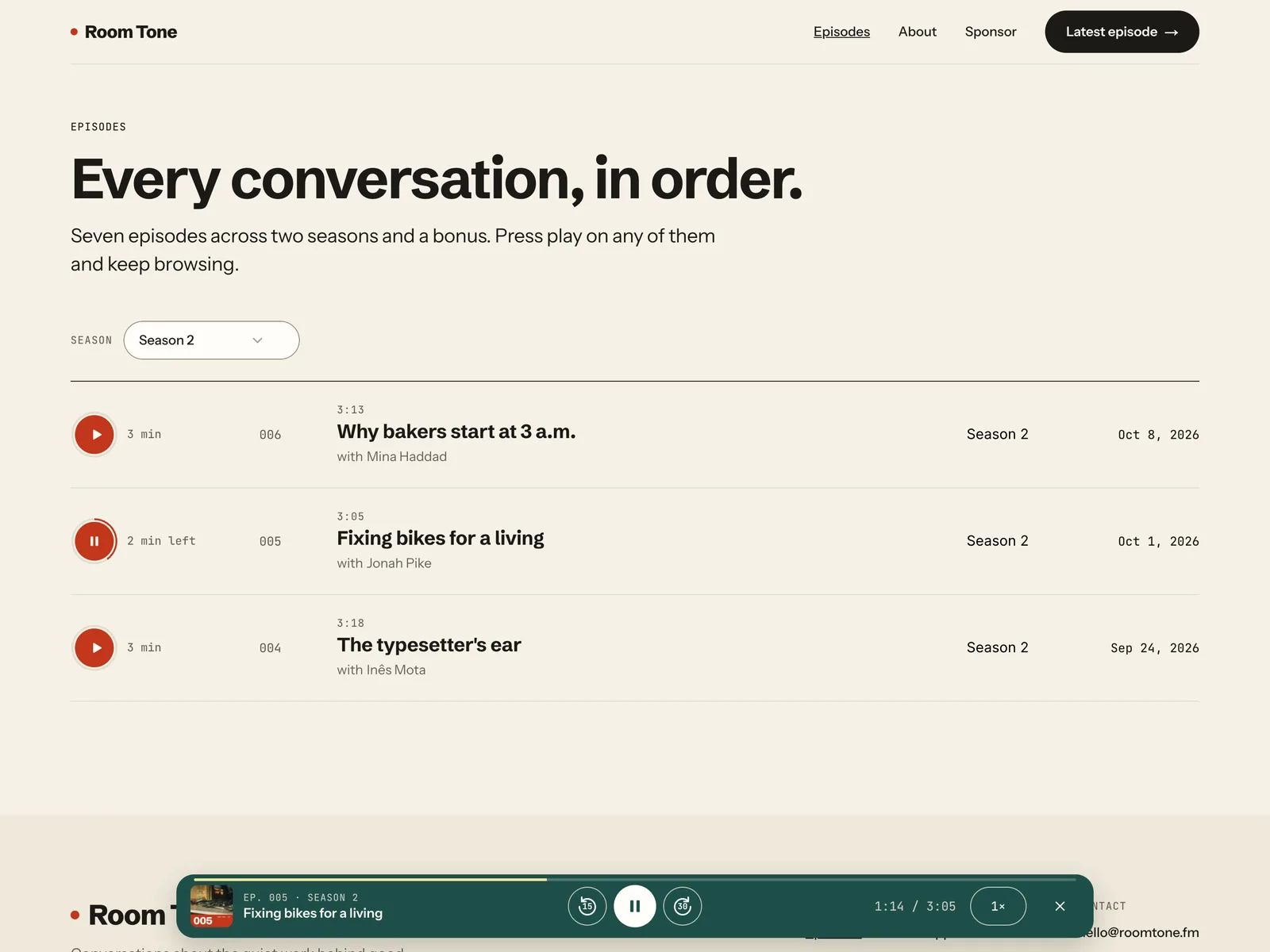
- Episodes: every episode as a row with a play button, number, title, guest, season and date, and a Season filter (Season 1, Season 2, Bonus)
- Episode page (CMS): number, season, date and length, title and guest, the player with chapters, summary, show notes with links, a guest card, per-episode Apple Podcasts / Spotify / YouTube links, the transcript and Keep listening
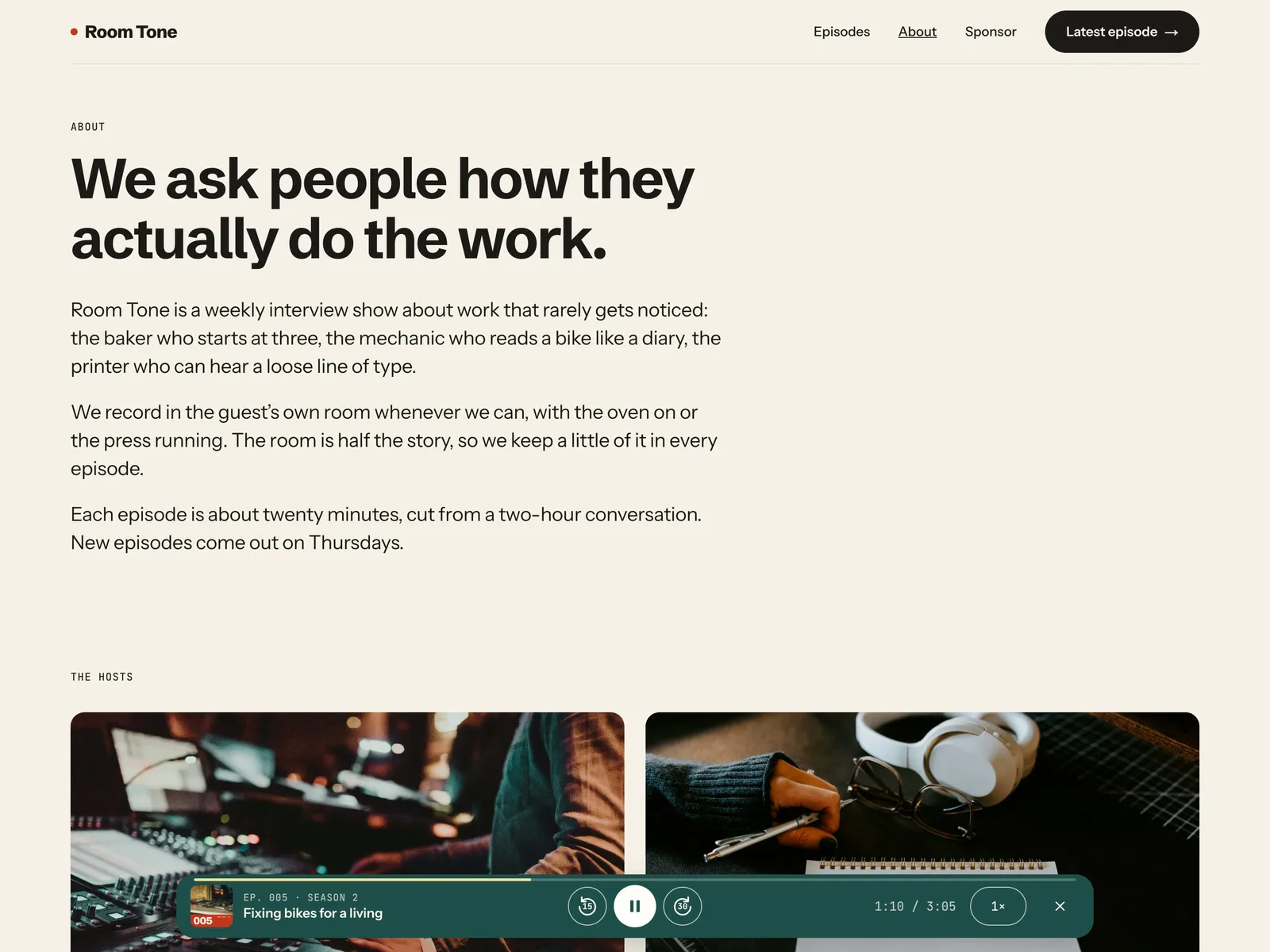
- About: the show, the two hosts, how an episode is made, and a Be a guest form
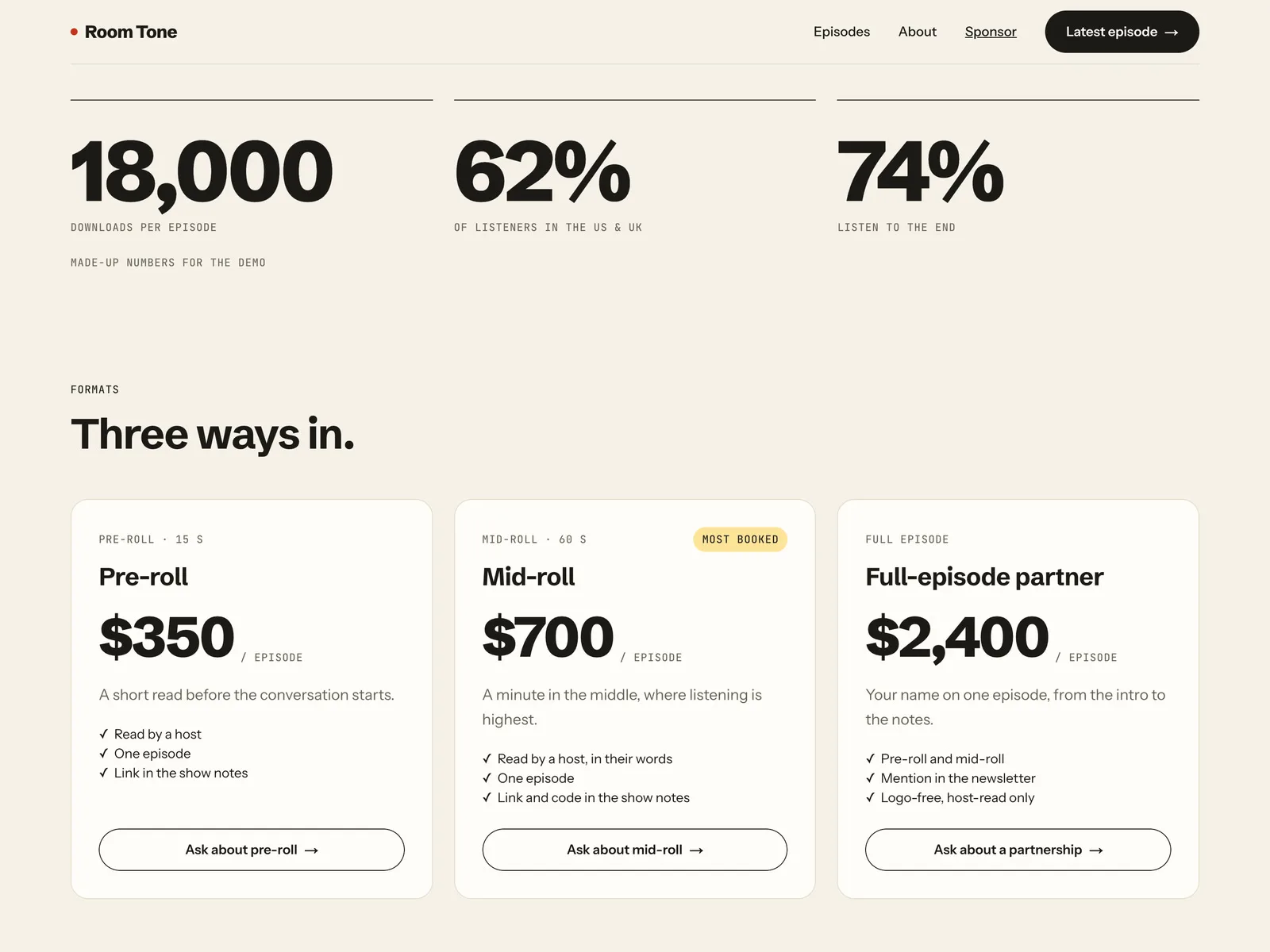
- Sponsor: audience numbers, three ad formats with prices, an FAQ and an inquiry form. Each format's button opens the form with that format already selected
- 404 page; desktop, tablet and phone layouts; SEO set up
Components
- Episode Player: play and pause, −15 s and +30 s, a scrubber with chapter marks, speed (1×, 1.25×, 1.5×, 1.75×, 2×, 0.75×), a chapter list that shows where you are, and Share at this moment, which copies a link like ?t=2:05 that opens the episode at that time
- Player Dock: sits in the layout, so it is on every page. Once an episode is playing it shows the cover, title (links to the episode), skip buttons, play/pause, speed, time and a progress line. It keeps playing while you move between pages of the site, and steps aside on the episode's own page while its player is on screen
- Play Button: on every episode card and row. It remembers progress and reads "3 min", "2 min left" or "Played"
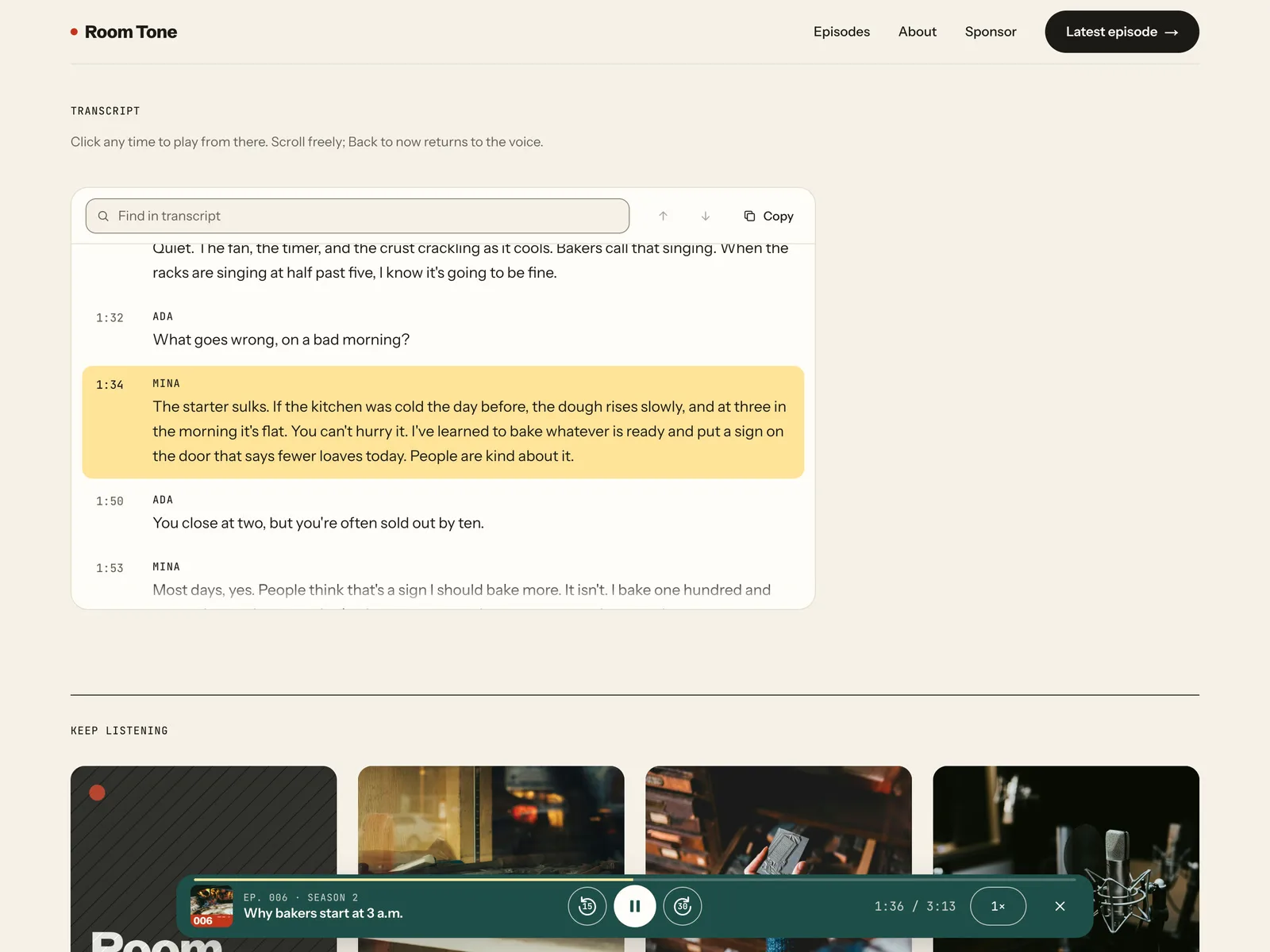
- Transcript: highlights the line being spoken and scrolls inside its own panel, never the page. Click any time to jump there. Scroll freely and a Back to now button returns to the voice. Find in transcript with match count and arrows, and Copy transcript (plain text without times)
- Resume: listening position and speed are remembered in the browser. After a reload the dock offers to continue where you left off
- Copy Feed (RSS pill), a phone menu that locks the page behind it, and an FAQ item
CMS fields (Episodes)
Title, Slug, Number, Season (Season 1 / Season 2 / Bonus), Date, Duration, Summary, Cover, Audio URL, Audio File, Chapters, Transcript, Show Notes, Guest, Guest Role, Guest Link, Apple Podcasts, Spotify, YouTube, Featured
Good to know
- You host the audio. The player needs a direct MP3 or M4A file URL (AAC, OGG and WAV work too): paste the file URL from your podcast host's RSS feed into Audio URL, or upload the file to the Audio File field. A Spotify or Apple Podcasts link or embed will not play in it. The site does not create an RSS feed or publish to Apple or Spotify, and there is no RSS import: add episodes by hand or with Framer's CSV import.
- Transcripts are pasted as text into the Transcript field: either one line per paragraph ("[12:40] Ada: text"), or the contents of an SRT or WebVTT file (from Descript, Riverside or YouTube, for example). You paste the text; there is no file upload. The demo uses all three formats. A 1,200-cue transcript (about 148 KB) was tested.
- Chapters are typed one per line ("00:00 Cold open").
- The RSS feed address (feeds.example.com), the Listen on links, the social links (Instagram, Bluesky), the guest links (example.com) and hello@roomtone.fm are placeholders. Replace them with your own.
- Each episode's share image is its square episode cover. An episode without a cover uses the site's share image.
- Playback continues while visitors move between pages of the site. A full reload or a new tab stops it, and the dock then offers to continue at the saved time.
- Listening progress and speed are stored in the visitor's own browser (localStorage). No cookies, no accounts, nothing is sent anywhere.
- The Season filter is a dropdown, not chips. Episode pages have no previous / next pair; Keep listening shows the four latest episodes, without the one you're on.
- The Episodes intro ("Seven episodes across two seasons and a bonus") is typed text. Update it as you add episodes.
- Forms (newsletter, Be a guest, sponsor inquiry) use Framer's built-in form submissions.
- The show, hosts, guests, sponsor numbers and prices are made up. The demo audio is AI-voiced from scripts we wrote. Photos are from Unsplash.