About Handoff UX Pro
For UX and product designers who want a portfolio that a recruiter can read in 30 seconds and a hiring manager can read for 10 minutes: case studies with real numbers, writing, talks, a printable resume, and a page for work under NDA.
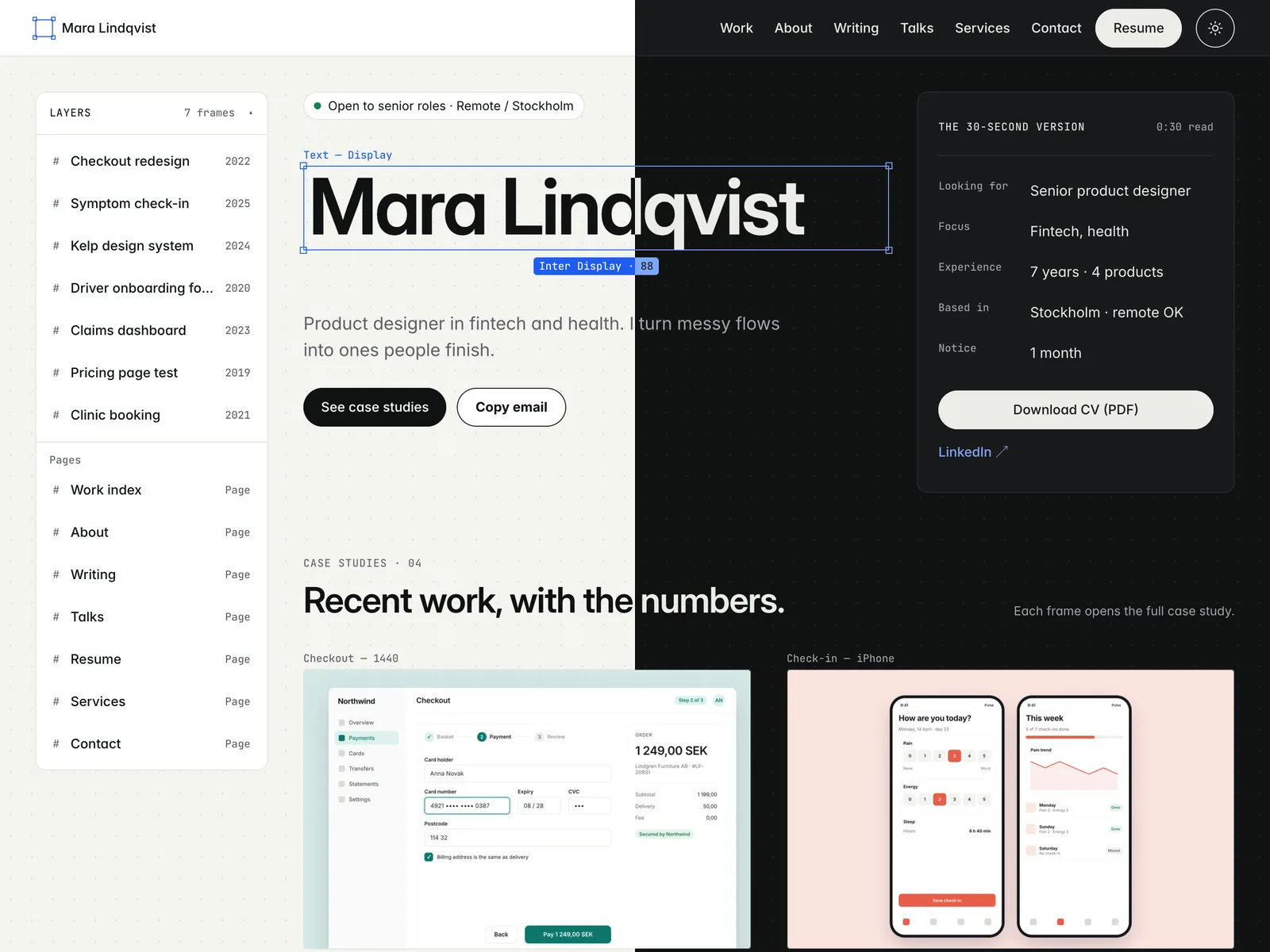
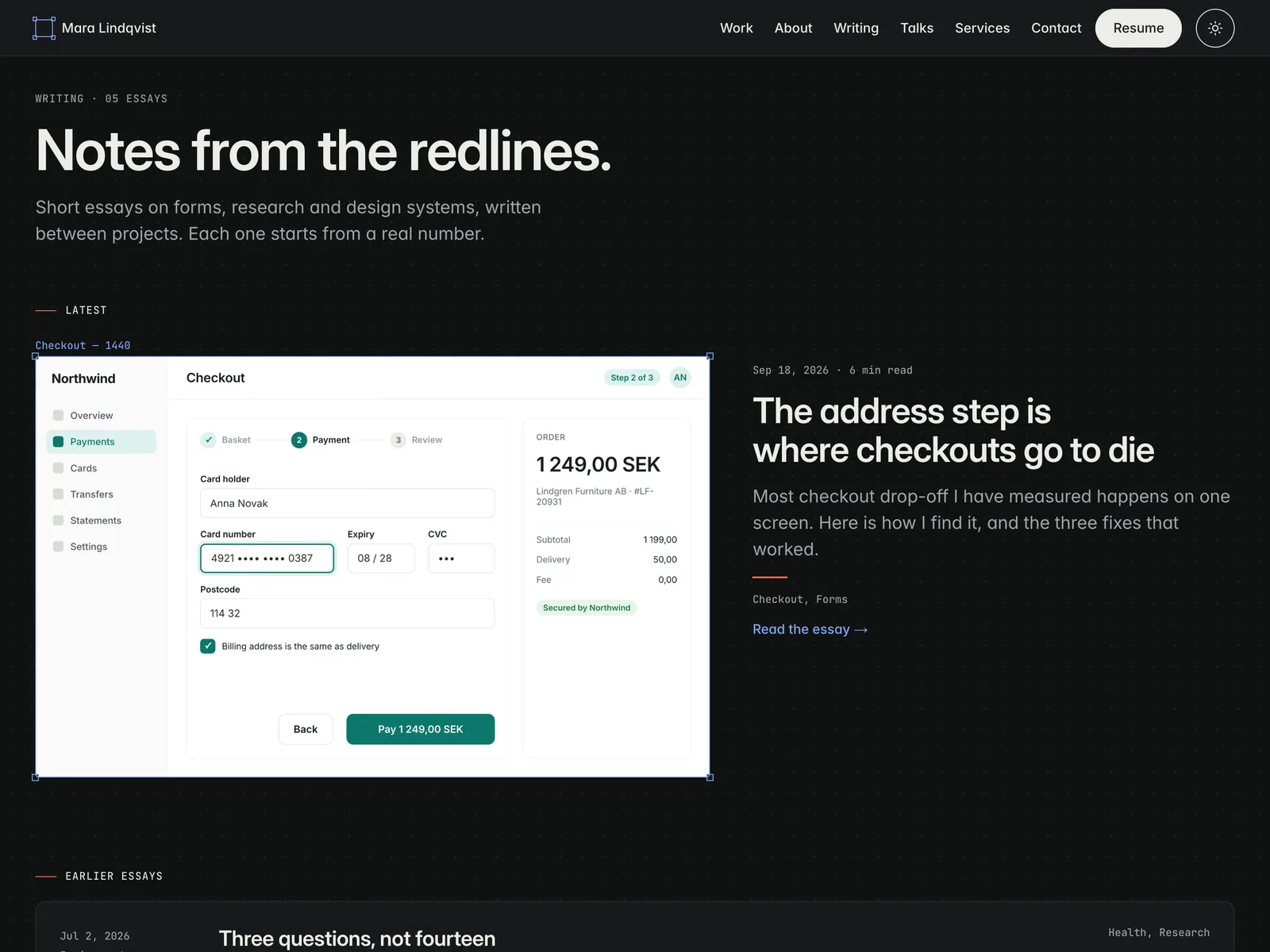
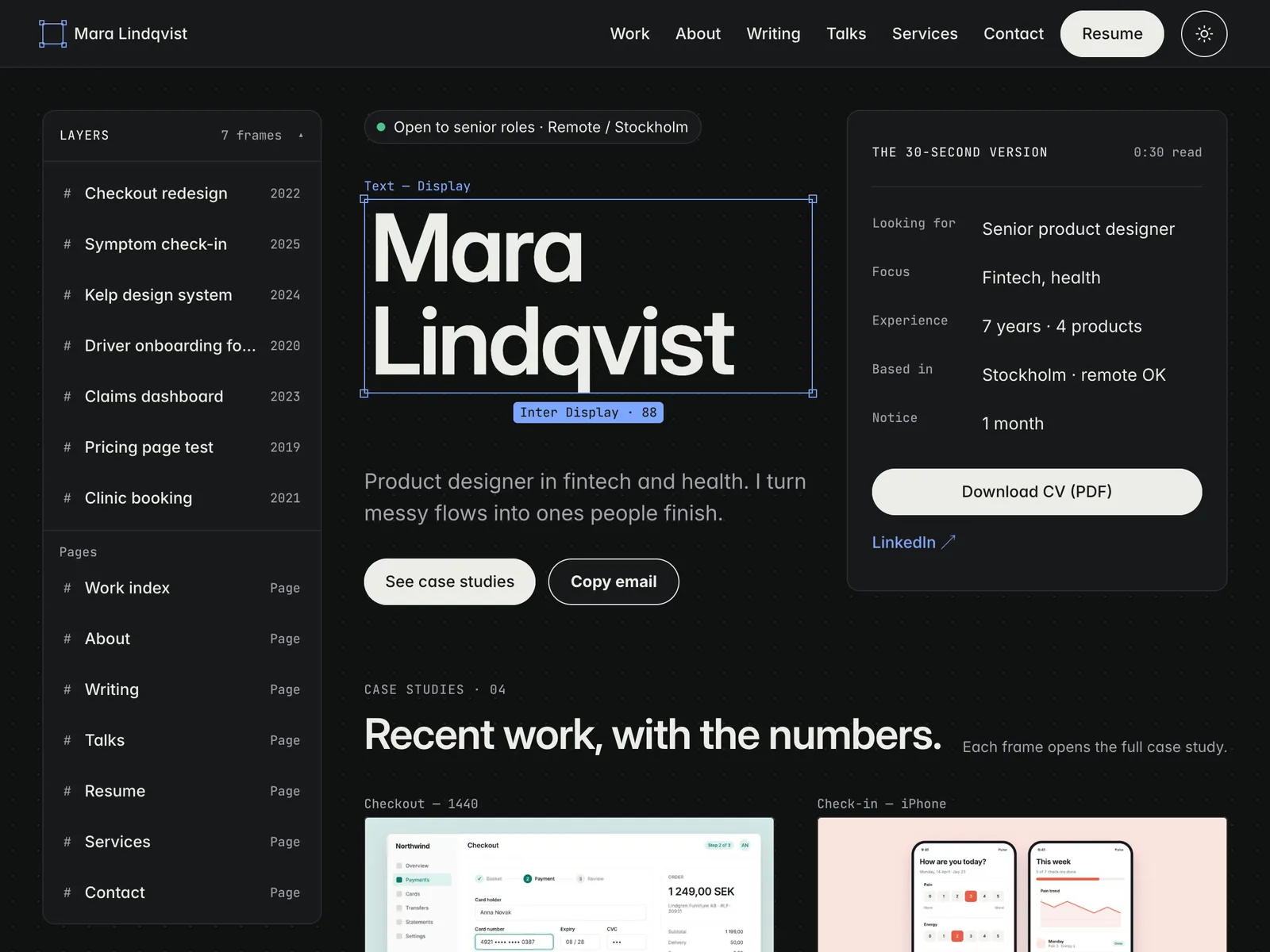
Handoff UX Pro is the extended, paid version of the free Handoff UX template. It keeps the design-file look (a Layers panel, redline metrics, frame labels) and adds dark mode, three case-study layouts, three more CMS collections and seven more page templates.
What you get
- A remix link: open it while signed in to Framer and the whole project is copied into your workspace. You get the Framer project, not a hosted website.
- The setup guide (PDF, also on your purchase page): where everything lives, every CMS field, the three layouts, the password page, dark mode, printing, the forms and publishing.
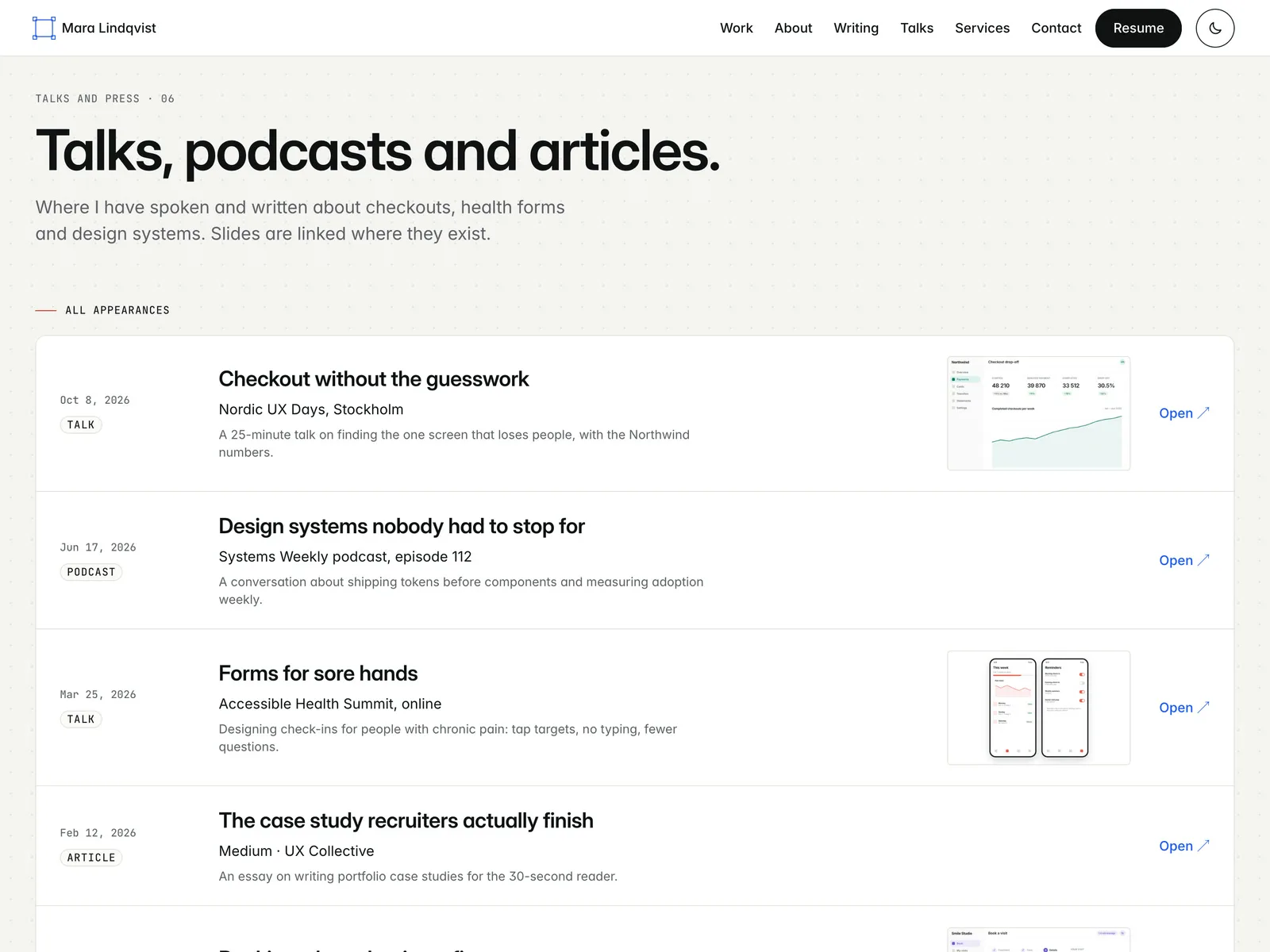
- 12 page templates: Home, About, Work (all case studies), Case study (CMS), Writing, Essay (CMS), Talks and press, Resume, Services, Contact, a private case study ready for a password, and 404. With the example content that makes 22 live pages.
- 4 CMS collections with example content: Case Studies (7), Writing (5 essays), Talks and Press (3 talks, 2 podcasts, 1 article) and Testimonials.
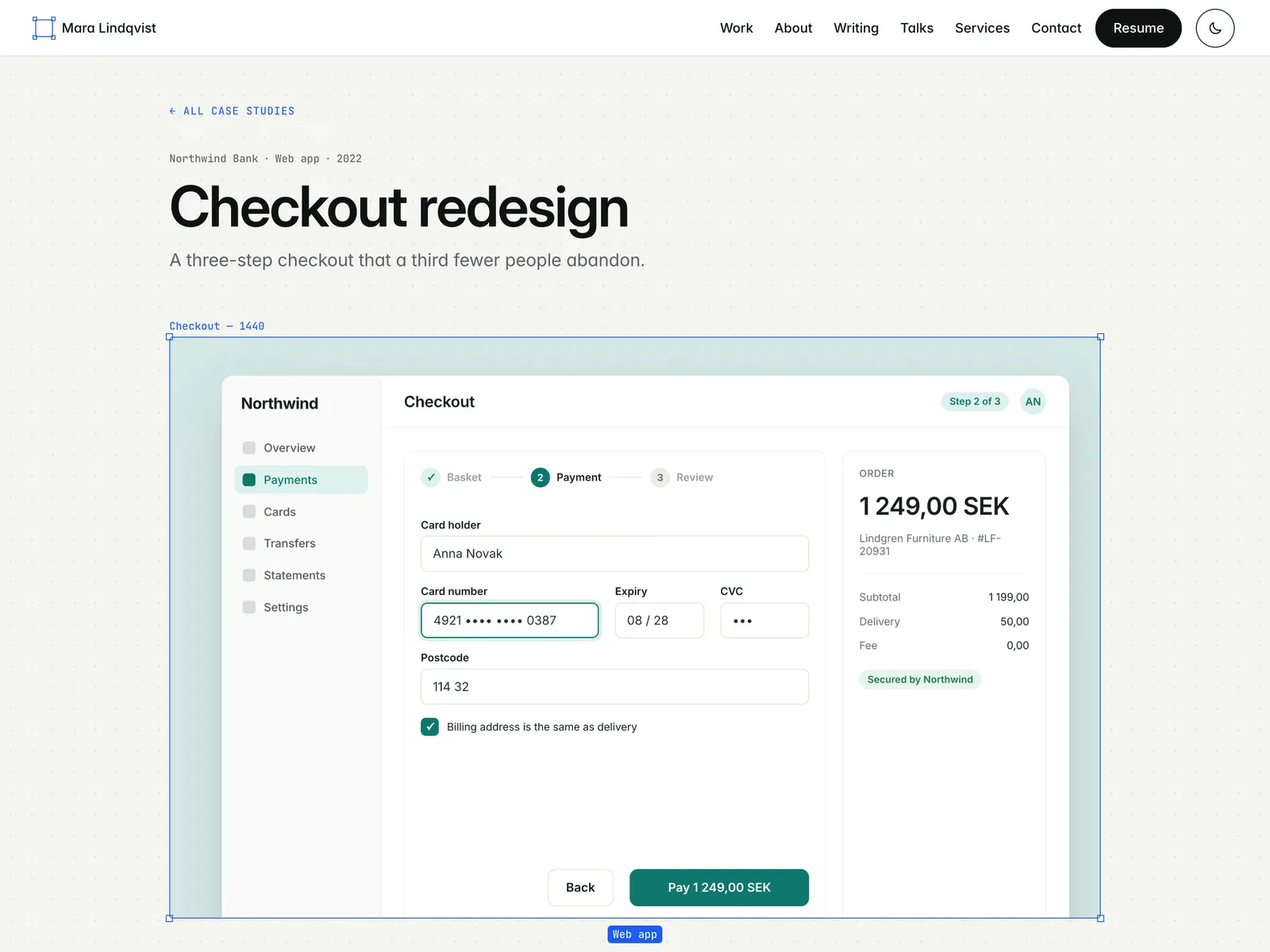
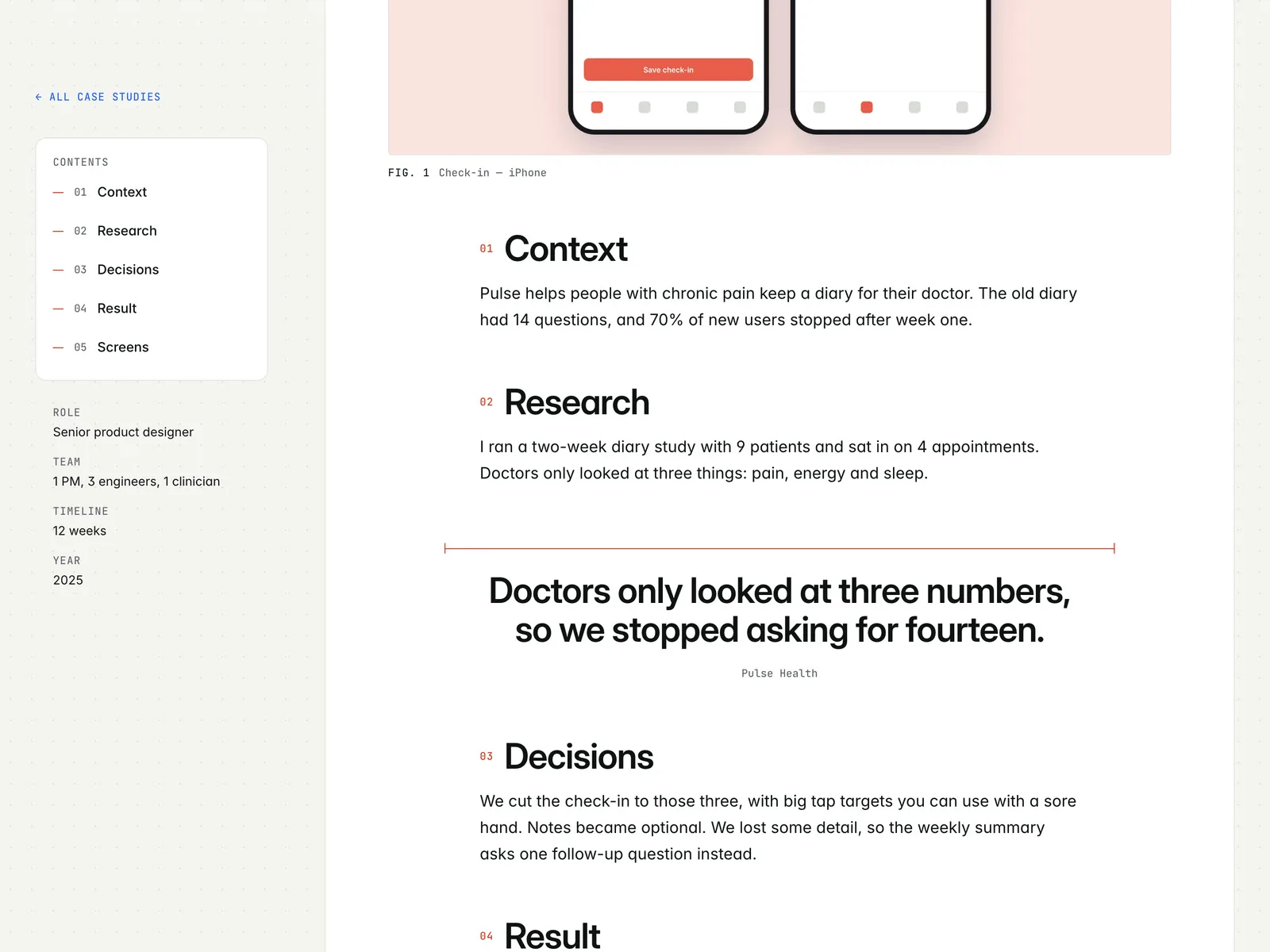
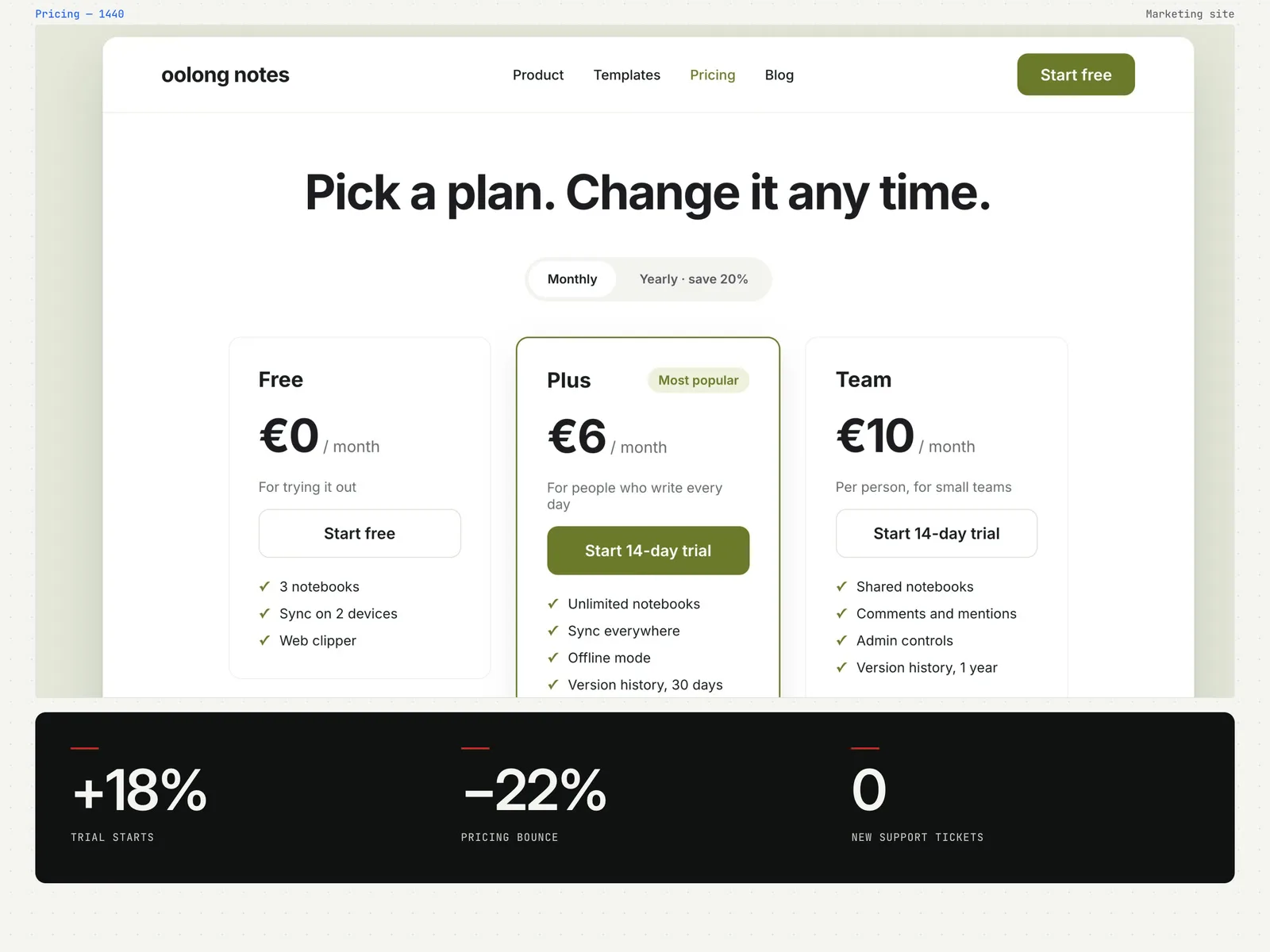
- 3 case-study layouts, chosen per study with a CMS field: Classic (cover, metrics, story), Editorial (a long read with a contents index that sticks on desktop, and a pull quote) and Visual (screens first, a dark metrics strip and the story in a grid).
- Light and dark mode: every colour is a colour style with a light and a dark value. Visitors get their device setting, can switch with the toggle in the nav, and the choice is remembered.
- Printable resume: the Resume page prints, or saves as PDF, on one black-on-white A4 or Letter page, also when the site is in dark mode.
- Everything from the free Handoff: the 30-second card for recruiters, the NDA switch per case study, the Layers panel and the redline metrics.
- Services page (offers, process, rates, FAQ) and a Contact page with a project-type form and an availability line.
- Desktop (1440), tablet (810) and phone (390) layouts on every page.
Handoff UX (free) vs Handoff UX Pro
- Pages: free has Home, About, the case study page and 404. Pro adds Work, Writing, Essay, Talks and press, Resume, Services, Contact and a private case study.
- CMS: free has one collection (case studies). Pro has four: case studies, writing, talks and press, testimonials.
- Case-study layouts: free has one. Pro has three, switched per study.
- Dark mode: free has none. Pro has it on every page, with a toggle.
Handoff UX Pro is its own Framer project. It does not change a free Handoff copy you already have. If a simple portfolio is enough, start with the free Handoff UX on the Framer Marketplace.
Good to know
- Mara Lindqvist, her employers, case studies, metrics, quotes, talks and essays are made up. The example screens are mock UIs made for this template; the portrait and covers are Unsplash photos. Replace them with your own.
- Your Framer plan sets the limits: a custom domain, a page password, how many pages, CMS collections and items, and form submissions per month. Those limits change, so check framer.com/pricing before you pick a plan. A free Framer account is enough to remix, edit and publish on a framer.website address.
- The private case study is public until you set a password on it in Framer (that needs a paid site plan). It is set to noindex and is not in the nav. A page password keeps casual visitors out; it is not a security product.
- No Figma file. The site is built in Framer only.
- Tested in current Chrome at 1440, 810 and 390 px, in light and dark. Not yet tested in Safari or Firefox.
- No blog comments, site search or newsletter integration.
Price, refunds and updates
- $79, one time, for one site. No subscription.
- Refunds within 14 days of purchase if the template does not work as described. Email hello@ns-studio.store with what went wrong.
- Free bug-fix updates for 12 months. A fix arrives by email as a new remix link: it is a fresh copy and does not change the copy you already edited, so each fix is also described in the email, step by step.
- Support: hello@ns-studio.store, answered within two working days.
FAQ
How do I get it? Right after purchase you get the remix link and the setup guide on your purchase page (your receipt email links to it). Open the link while signed in to Framer and the project is copied into your workspace.
Do I need a paid Framer plan? Not to remix, edit and publish on a free framer.website address. A custom domain and a page password need a paid Framer site plan.
Can I use it for a client? Yes. One purchase covers one site, for yourself or for a client.